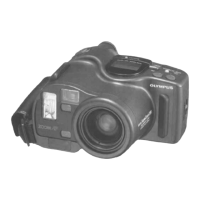
After inserting the batteries, always check as follows:
Rotate the mode selector dial to the "BAT-
TERY CHECK" position.
1
2
The
audible
and
visual
signals
will
tell
you
that
the battery voltage is sufficient.
If these signals are emitted intermittently, it means
that the batteries are almost worn out. Replace them
with new ones as soon as possible.
Checking the Batteries
8



 To Next Page