PREVIEW BUTTON
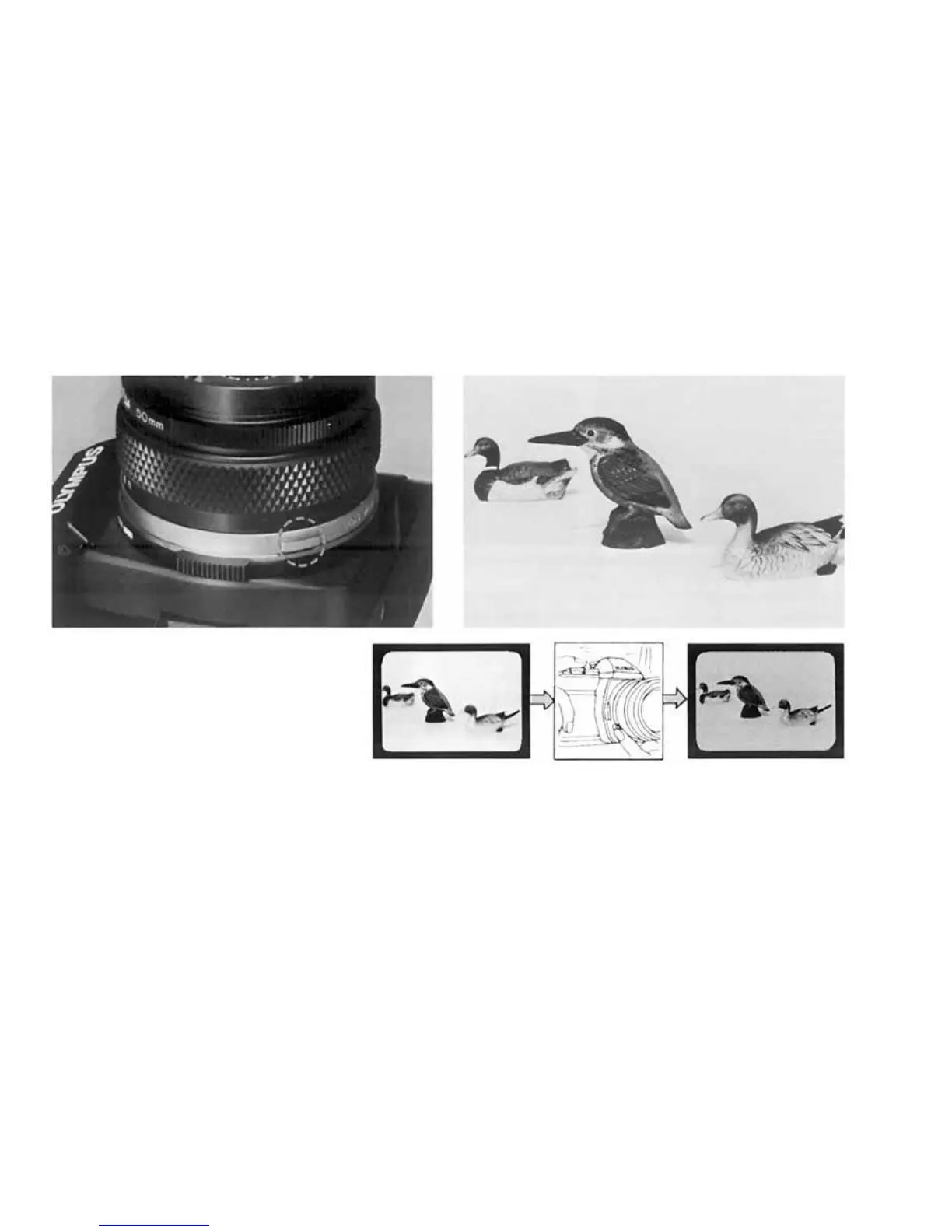
When you wish to see which objects
fall within the acceptable zone of
sharpness (depth of field), press the
preview button on your lens. The dia-
phragm of the lens will stop down to
the preset F stop enabling you to see
the depth of field in the viewfinder.
In PROGRAM mode, it is impossible to check
the depth of field with the preview button.
CAUTION: • Do not take pictures in the pro-
grammed exposure mode with the preview button
depressed.
46


 To Next Page