SELECTING THE EXPOSURE MODE - PROGRAM -
Program Exposures
In this mode the camera automatically selects the
ideal lens aperture and shutter speed for the sub-
ject brightness, making you highly responsive even
to unexpected shots. In Program Mode, the photo-
grapher can forget about exposures and shutter
speeds completely, and give full concentration to
the subject in the viewfinder. The only settings
needed are to turn the Mode Selector Dial to
Program , and set the aperture ring to the
smallest available aperture (largest F number).
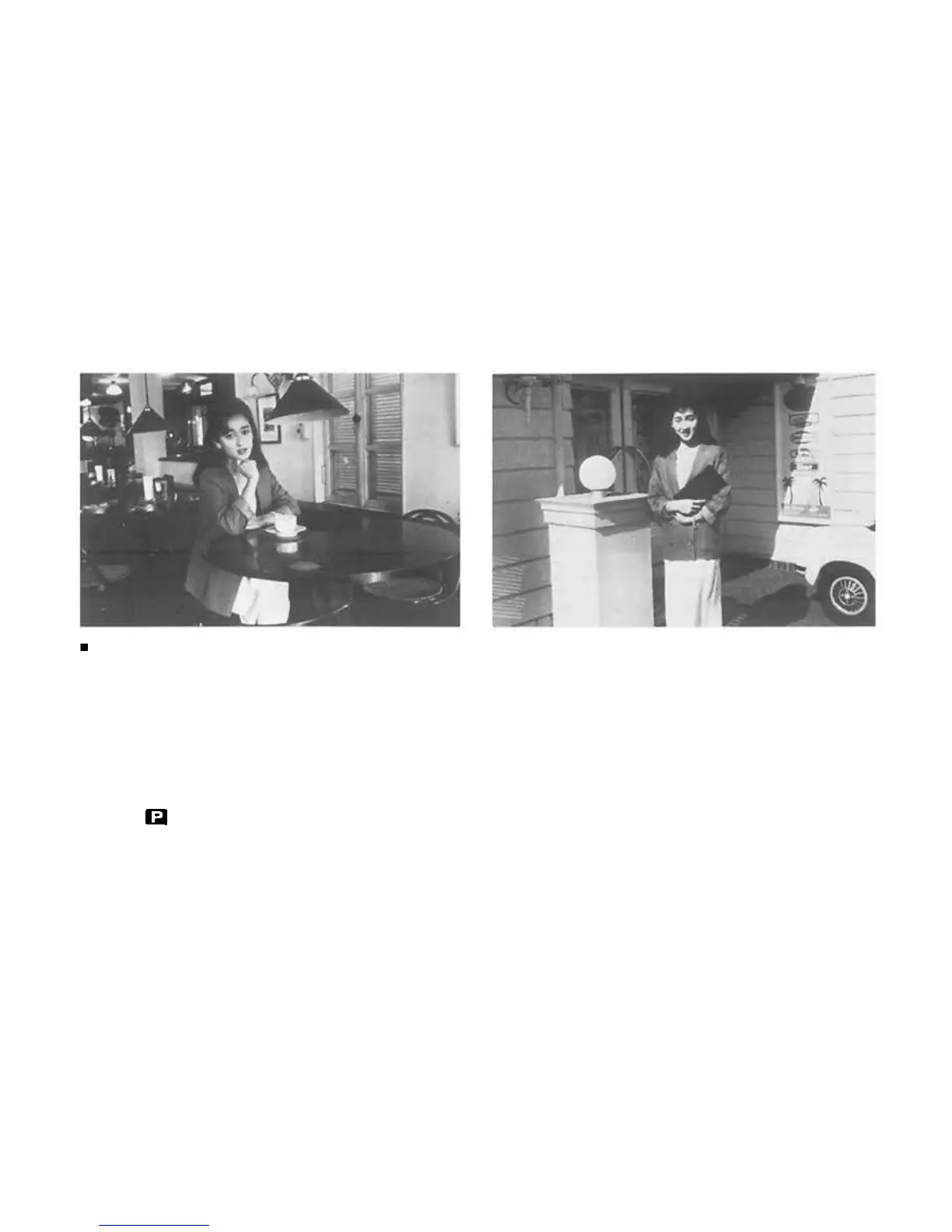
Whether the subject is extra bright or unusually
dark, you can still rely on fully automatic shots
with the best possible aperture and shutter speed
settings. Even if you suddenly come from a dark
place out into bright sunlight, the camera responds
immediately, assuring you fine photos in both
situations. Better still, when you use the Program
exposure mode together with the ESP Metering
mode, even raw beginners are assured of great shots
in every situation — including tricky backlit or high
contrast shots that used to stump the experts too!
This is the perfect mode for snapshots and general
photography, as well as for such special fields as
news photography, where being ready for every-
thing at all times is the most important require-
ment.
41


 To Next Page