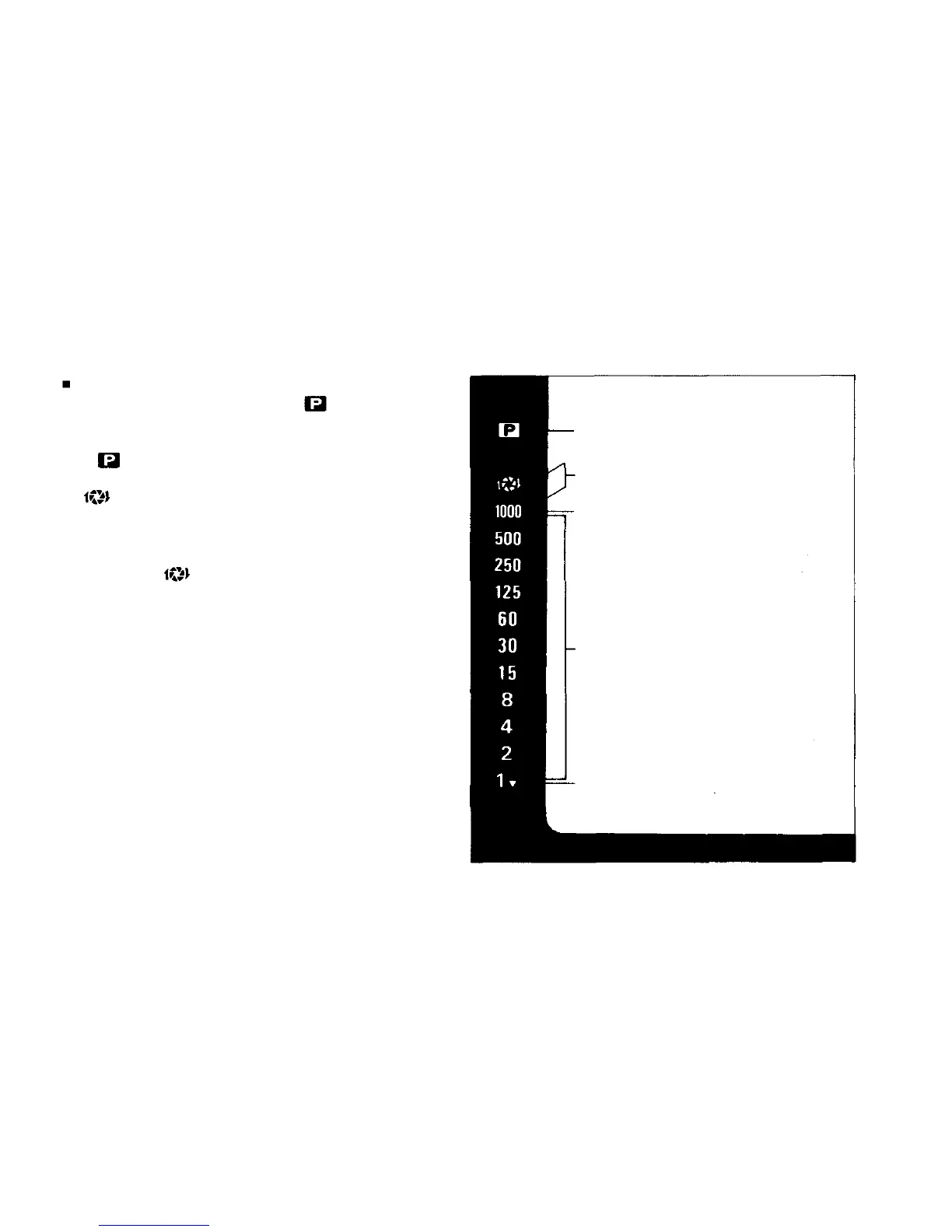
Viewfinder Display in the Program Mode
Set the exposure mode dial to and press the
shutter release button lightly while looking through
the viewfinder.
The mark will be lighted and the shutter speed
will be displayed in the left side of the viewfinder.
If and
"1000"
blink
alternately,
it
means
you
have not set the aperture ring to its minimum
aperture. Even if it is set at other positions, how-
ever, the camera will operate on programmed ex-
posure and
will not turn on if the shutter
speed does not exceed 1/1000 sec. This is another
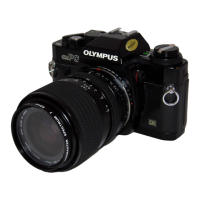
intelligent and functional feature of the OM-PC.
If
"1000"
alone
blinks,
it
means
your
subject
will
be overexposed. Use a Neutral density (ND) filter
to reduce the amount of light entering the lens, or
a slower film depending on shooting conditions.
Lights to Show Program Mode
Setting.
Both indications blink to warn
lens aperture must be stopped
down to avoid overexposure.
Blinks to show overexposure.
Shutter speed indications. Appro-
priate figure lights up.
Shutter speed of 1 sec. or slower.
43


 To Next Page