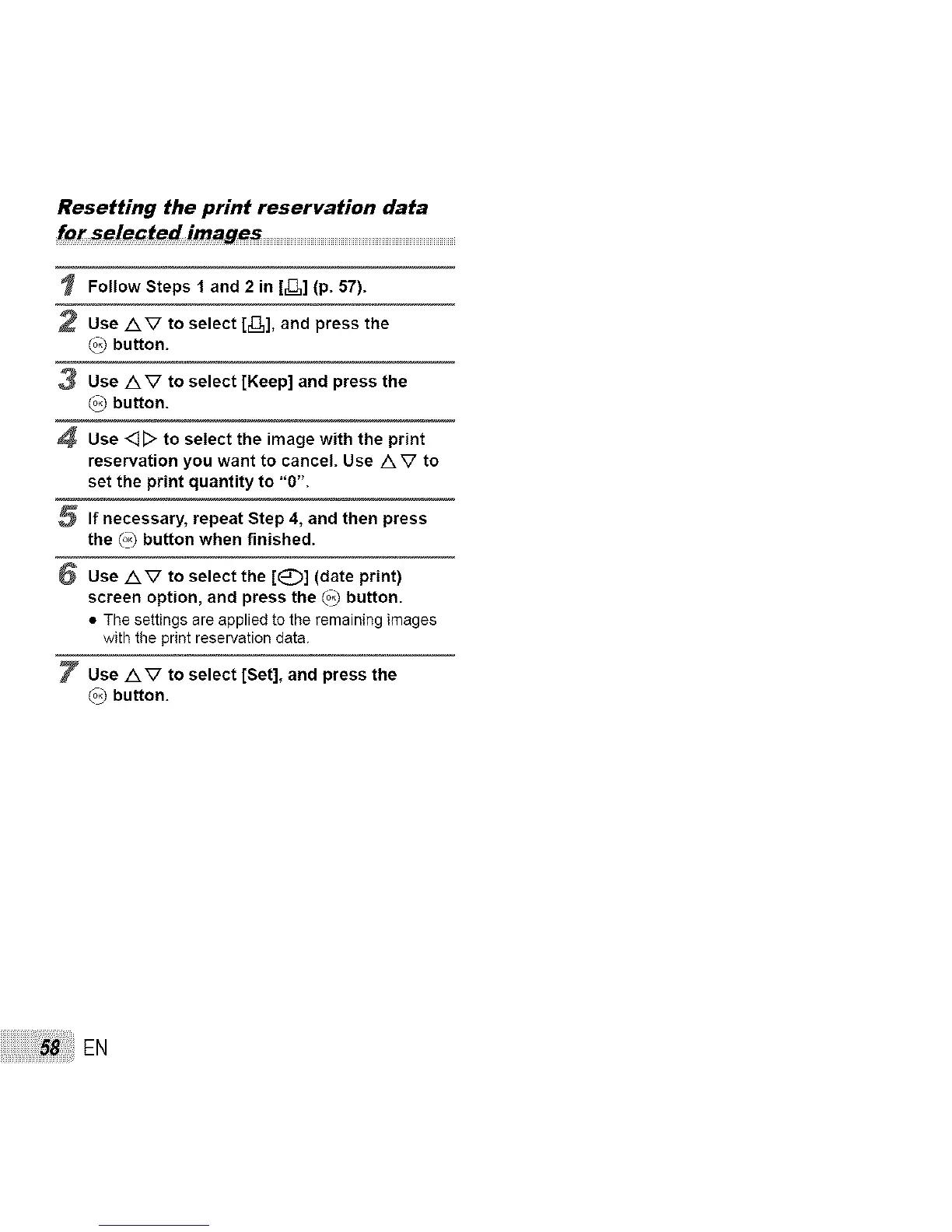
Resetting the print reservation data
Follow Steps 1 and 2 in [_,] (p. 57).
2 Use AV to select [_,], and press the
_) button.
3 Use AV to select [Keep] and press the
(°3 button.
4 Use <]D to select the image with the print
reservation you want to cancel. Use A V to
set the print quantity to "0".
5 If necessary, repeat Step 4, and then press
the (°3 button when finished.
6 Use AV to select the [E_)] (date print)
screen option, and press the (°3 button.
• The settings are applied to the remaining images
with the print reservation data.
7 Use AV to select [Set], and press the
(°3 button.
EN


 To Next Page