The microphone sensitivity setting also affects the
VCVA activation level.
Press the FOLDER/MENU button to go to the next
setting item.
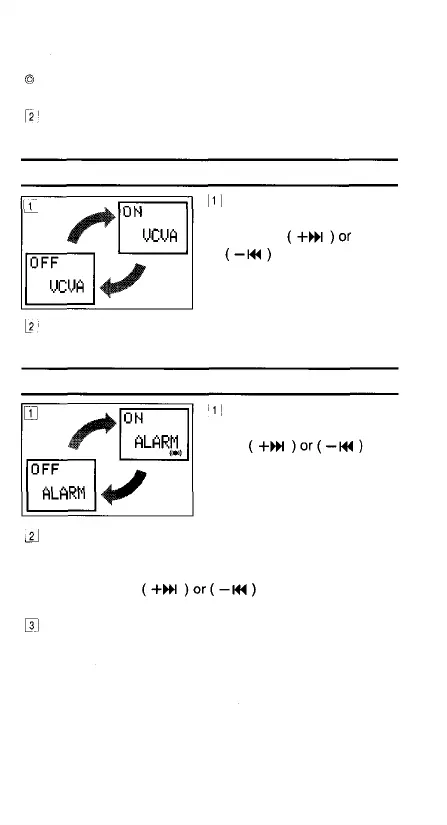
VCVA Recording (VCVA REC) Setting
In the Options mode,
display [VCVA REC] and
press the
button to switch
the VCVA recording
between ON and OFF.
Press the FOLDER/MENU button to go to the next
setting item.
Alarm (ALARM) Setting/Cancellation
In the Options mode,
display [ALARM] and press
the
button to switch the alarm
setting between ON and
OFF.
After switching [ALARM] ON, each time you press the
FOLDER/MENU button "minute" and "second" figures
will blink in succession. Select the values for each item
the FOLDER/MENU button.
When you have finished setting an item, press the
FOLDER/MENU button to go to the next setting item.
by pressing the
button and pressing
23



 To Next Page