Beep Tone (BEEP) Setting
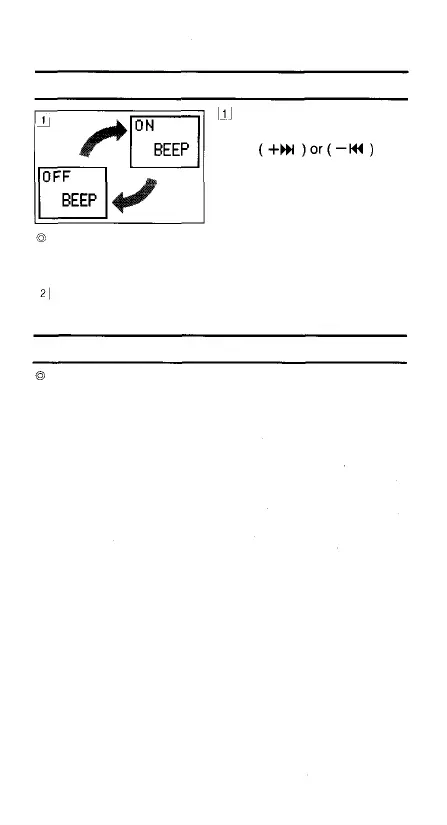
In the Options mode,
display [BEEP] and press
the
button to switch the beep
tone between ON and
OFF.
When [BEEP] is OFF, no electronic beep tone will be
produced when a button is pressed (but the alarm tone
will still be generated).
When you have finished setting an item, press the
FOLDER/MENU button to go to the next setting item.
Current Time Setting
See "Clock Adjustment" on page 6.
24



 To Next Page