1
Setup
9
EN
Setup
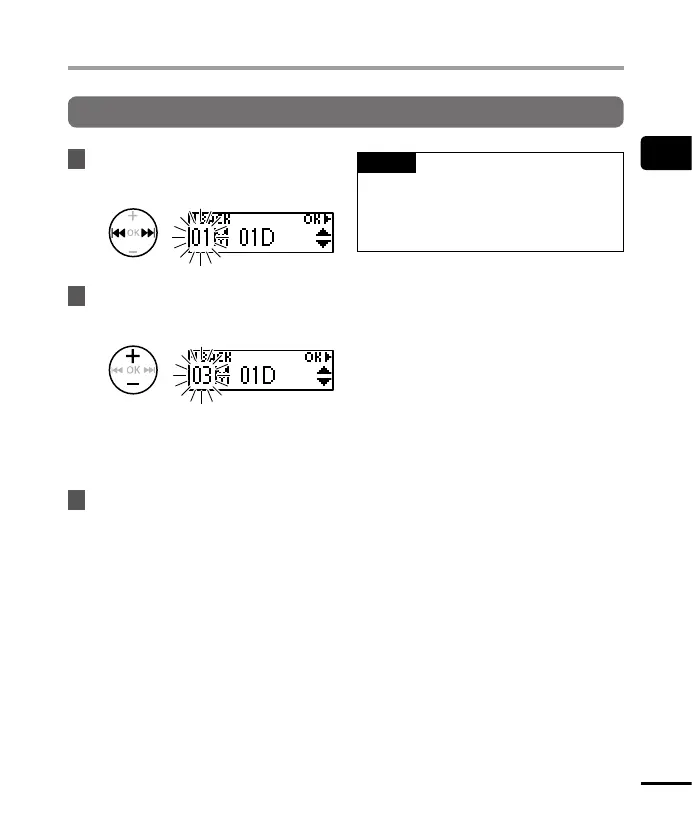
Setting the time/date
1
Press the 9 or 0 button to
select the item to set.
2
Press the
+
or
–
button to change
the number.
• To change the setting of another item,
press the 9 or 0 button to move
the blinking cursor, then press the + or
– button to change the number.
3
Press the
OK
button to finalize
the setting.
TIP
• You can change the clock display
format. See “Setting the time/date
[Time & Date]” (☞ P. 49) for the
procedure.


 To Next Page