FM TRANSMITTER
TR EM 1000 HE DIG PLUS COMPACT
Technical Manual 1v2 November 2019 30
39) A value will be indicated after Pre-emphasis. Turn the knob until the pre-emphasis value
for your geographical region is selected (50 microseconds in Spain), then press the knob to
confirm the value.
40) OK will be highlighted. Three choices are now available:
- If the parameters set are correct – skip directly to step 41) to confirm the settings.
- If the parameters set are all incorrect – cancel all settings by turning the knob until ABORT is
highlighted, then skip to step 41).
- If a slight adjustment to the parameters is required – turn the knob until EDIT is highlighted,
then return to step 37).
41) Press the knob to confirm. You will return to the page indicated in step 3).
2.2.7 System date and time
Setting the date and time is important because it allows the transmitter to keep track of
events (alarms, etc.) that occur while the transmitter is operating. Set the date and time as
follows:
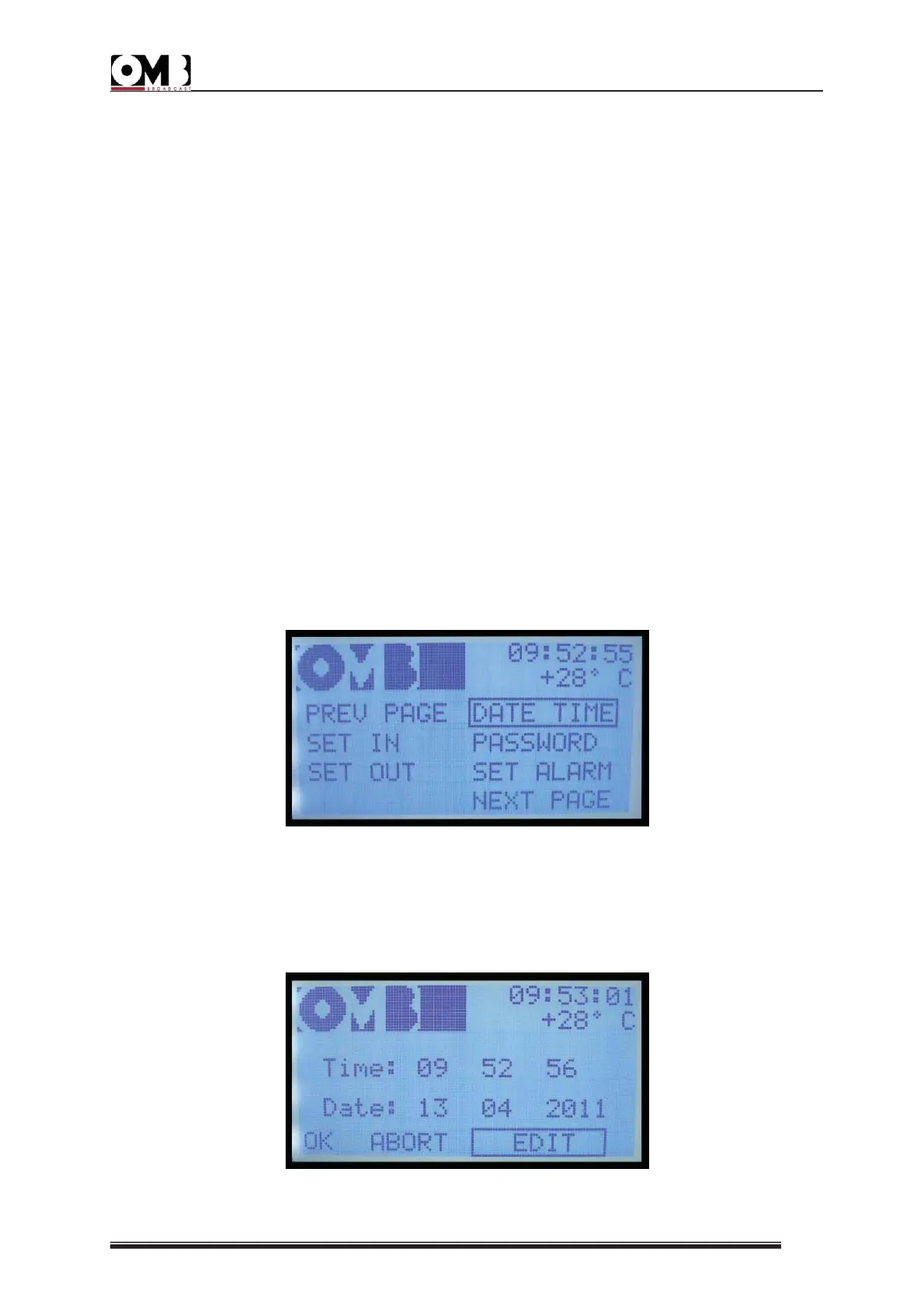
42) Turn the knob until the NEXT PAGE sub-menu is selected, then press the knob to confirm.
The display will indicate the second page of the SETUP menu:
43) Turn the knob until the DATE TIME sub-menu is selected, then press the knob to confirm.
44) The date and time settings screen will appear:


 To Next Page
 Loading...