FM TRANSMITTER
TR EM 1000 HE DIG PLUS COMPACT
Technical Manual 1v2 November 2019 35
You can also turn the knob clockwise and anti-clockwise to select the various screens showing
data that can be viewed within a menu. For example, alarm events in the view alarms menu.
2.3.2 ESCAPE button
The ESCAPE button allows you to return to the previous menu level. As such, repeatedly
pressing this button returns you to the main screen (you usually only need to press it twice),
which appears when you turn the device on.
2.3.3 Navigating the commands menu
Generally, you can navigate the commands menu as follows:
1) From the main screen (which appears when you turn the device on), turn the knob until
one of the two main menus, VIEW or SETUP, are highlighted.
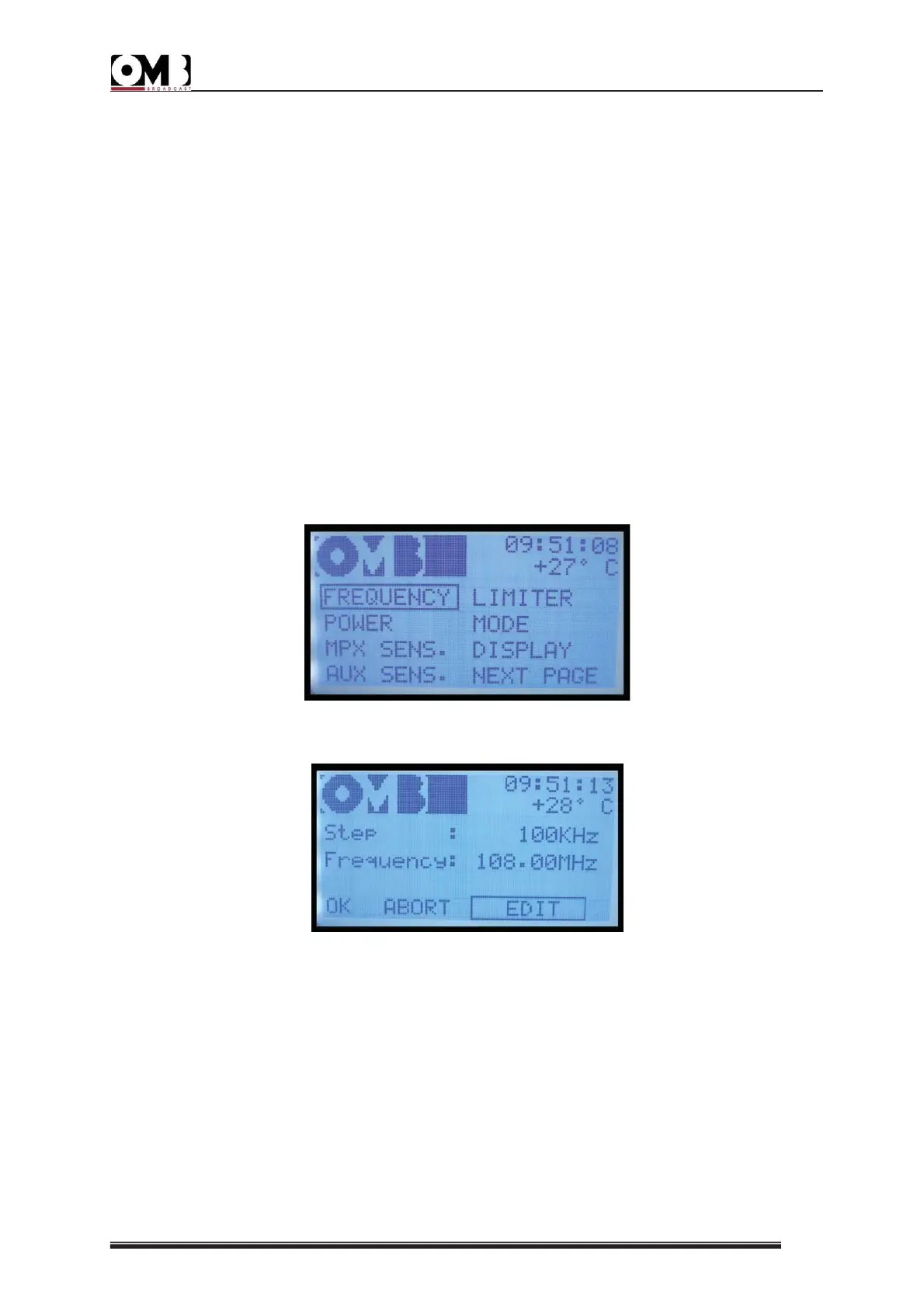
2) Briefly press the knob to access the highlighted menu. The first page of the selected menu
will appear (in the example below, the first page of the SETUP menu).
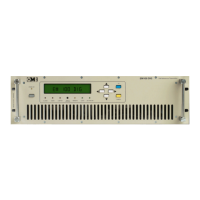
3) Turn the knob to select the desired sub-menu, then confirm by briefly pressing the knob. In
the example below, the screen for the FREQUENCY sub-menu is shown.
4) At this point, depending on the main menu that you have accessed, various options may be
available. Each option is explained in detail in the following chapter, and a brief overview is
provided below:
VIEW menu – used to check the device’s operating parameters and alarms/events; as such,
options are not usually available in its sub-menus. Once you have accessed a sub-menu,
turning the knob has no effect, with the exception of the MPX GRAPH and VIEW LOG sub-
menus.
SETUP menu – this was expressly designed to set the transmitter’s parameters; as such, the
options EDIT, ABORT, and OK are available in all the sub-menus.


 To Next Page