FM TRANSMITTER
TR EM 1000 HE DIG PLUS COMPACT
Technical Manual 1v2 November 2019 43
If the device already has 100 events/alarms in its memory, a new event/alarm that occurs will
cancel out the oldest recording so that the new event/alarm can be saved (FIFO).
Via the SETUP menu, you can decide whether to activate/deactivate each alarm (e.g., low
power, insufficient modulation, etc.), and set new detection thresholds. Through this menu,
you can also delete the alarm history.
If an alarm event occurs when you are accessing the VIEW LOG menu, you must exit and re-
enter the VIEW LOG menu in order to view the alarm on the event list.
To select subsequent alarm events (less recent, with higher numbers), turn the knob anti-
clockwise; turning the knob clockwise will take you to the most recent events.
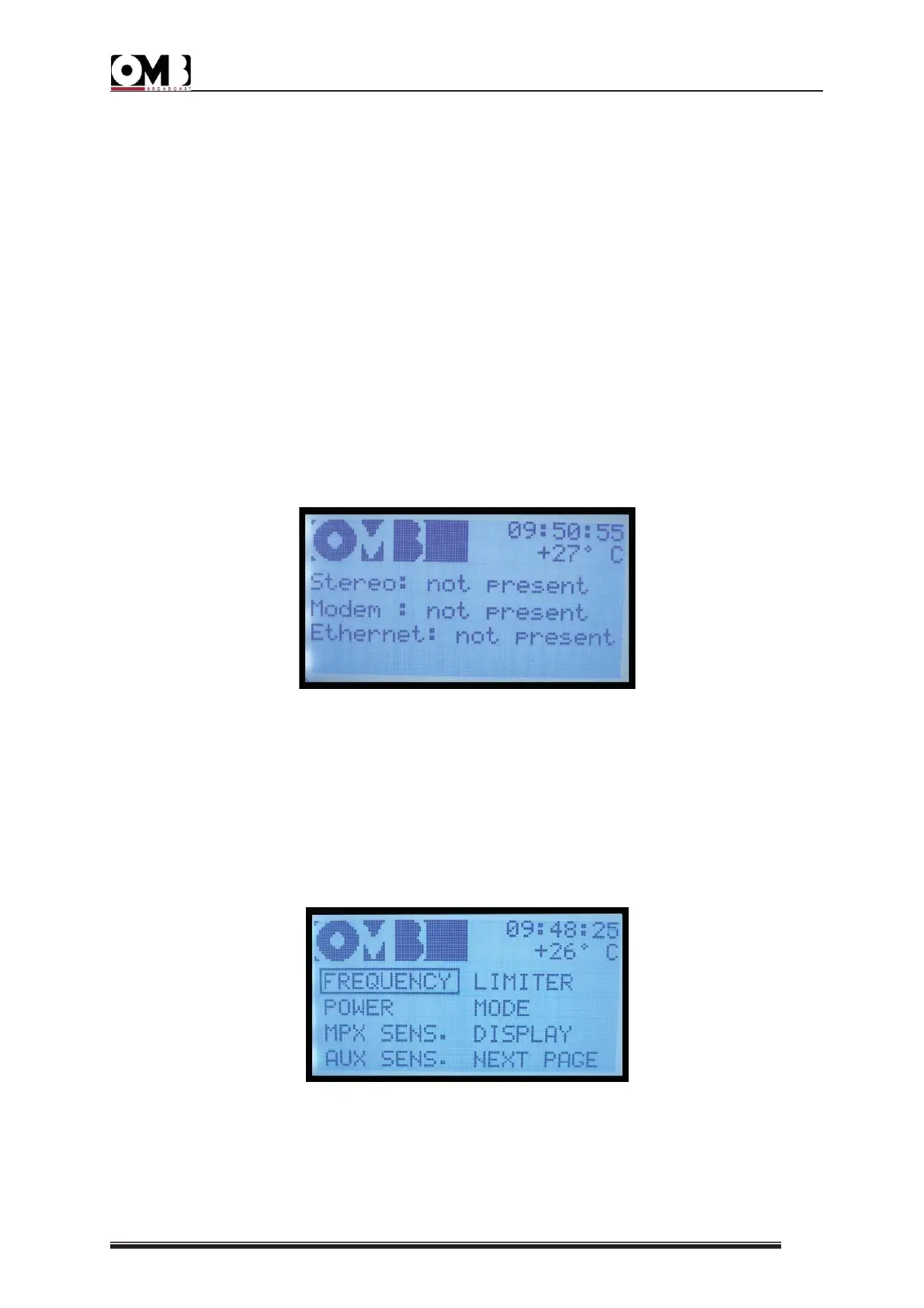
- INFO sub-menu
This sub-menu provides information about the presence of the different options the
equipment may have or not present.
In the example only the Stereo option is present, and the Modem and Ethernet options are
not.
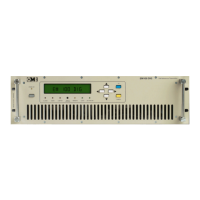
2.4.3 SETUP menu
This menu allows you to program the device’s operating parameters; for example, operating
frequency, output power, modulation, passwords, etc. It is divided into the following three
pages:
SETUP Page 1


 To Next Page