FM TRANSMITTER
TR EM 1000 HE DIG PLUS COMPACT
Technical Manual 1v2 November 2019 48
The display shows the following:
• Mode – followed by Mono (from the RIGHT input, Stereo, Mono L+R (monophony obtained
through the sum of the stereo channels), or Mpx (external multiplex modulation signal
originating from the MPX input.
• Pre-emphasis – followed by the current pre-emphasis value, expressed in microseconds.
To change the auxiliary modulation:
1) Ensure that the EDIT option is selected; otherwise, turn the knob to select it, then press to
confirm. A value will be indicated after Mode.
2) Turn the knob to change the setting to Mono, Stereo, Mono L+R, or Mpx according to your
requirements, then press the knob. A value will be indicated after Preemphasis.
3) Turn the knob to change the setting to 0, 25, 50, or 75 microseconds, according to your
requirements (50 microseconds for Spain), then press the knob to set the value.
4) Using the knob, select OK to save the settings, EDIT to make further changes, or ABORT to
exit without saving the new settings, then press to confirm.
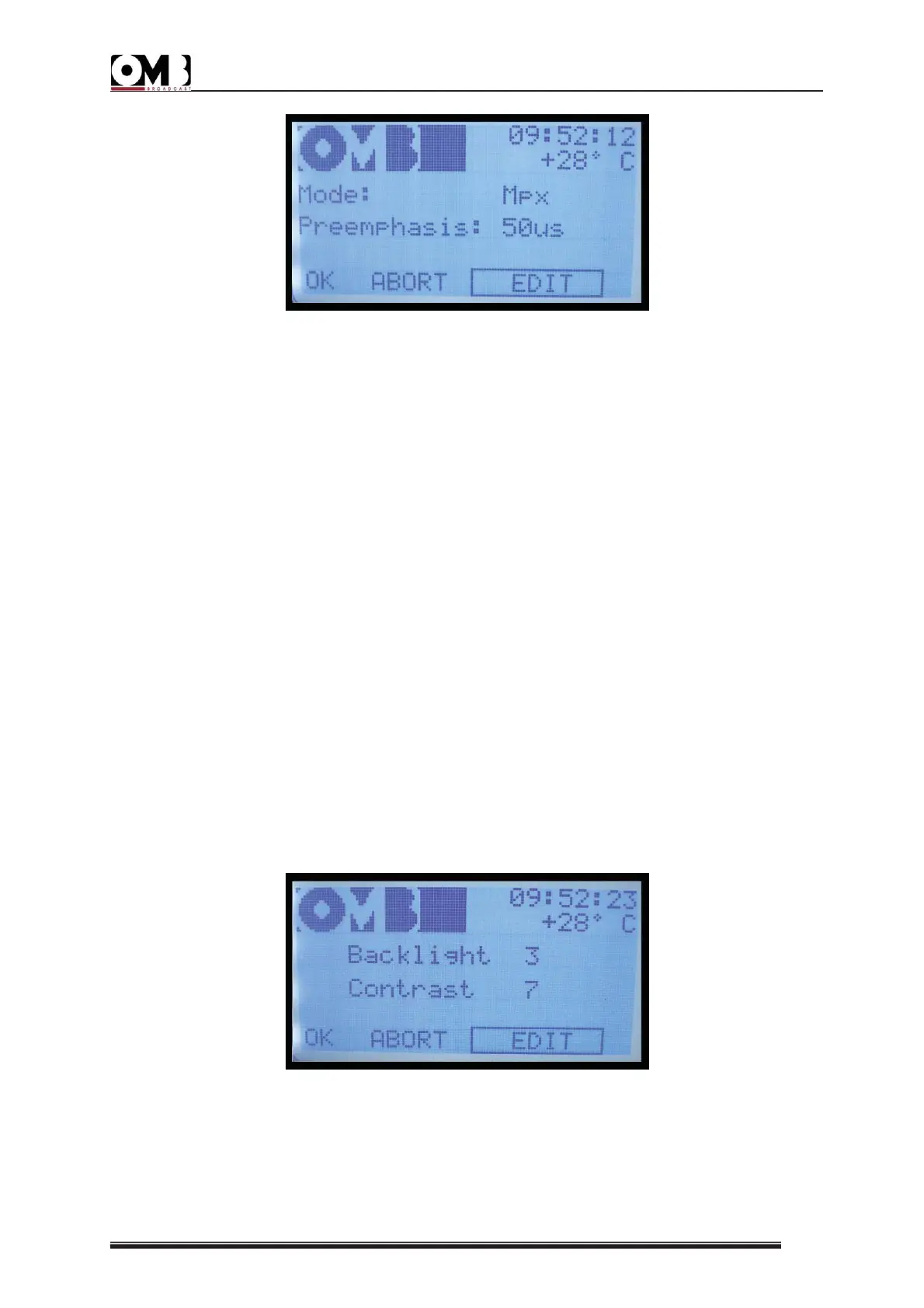
- DISPLAY setting
Used to optimize display legibility, based on ambient lighting conditions and the angle of the
visual field.
This screen shows:
• Backlight – followed by the current backlighting value


 To Next Page
 Loading...