FM TRANSMITTER
TR EM 1000 HE DIG PLUS COMPACT
Technical Manual 1v2 November 2019 53
LEVEL 2 PASSWORD
If you wish to protect the SETUP menu only, activate/set the LEV 2 password using the same
procedure as outlined above, ensuring that SET PASSWORD LEV 2 is selected at step 1).
Once a level 2 password is activated, each time someone attempts to access the SETUP menu,
they will receive an Insert PASSWORD message asking for the level 2 password to be entered.
The VIEW menu will remain accessible at all times.
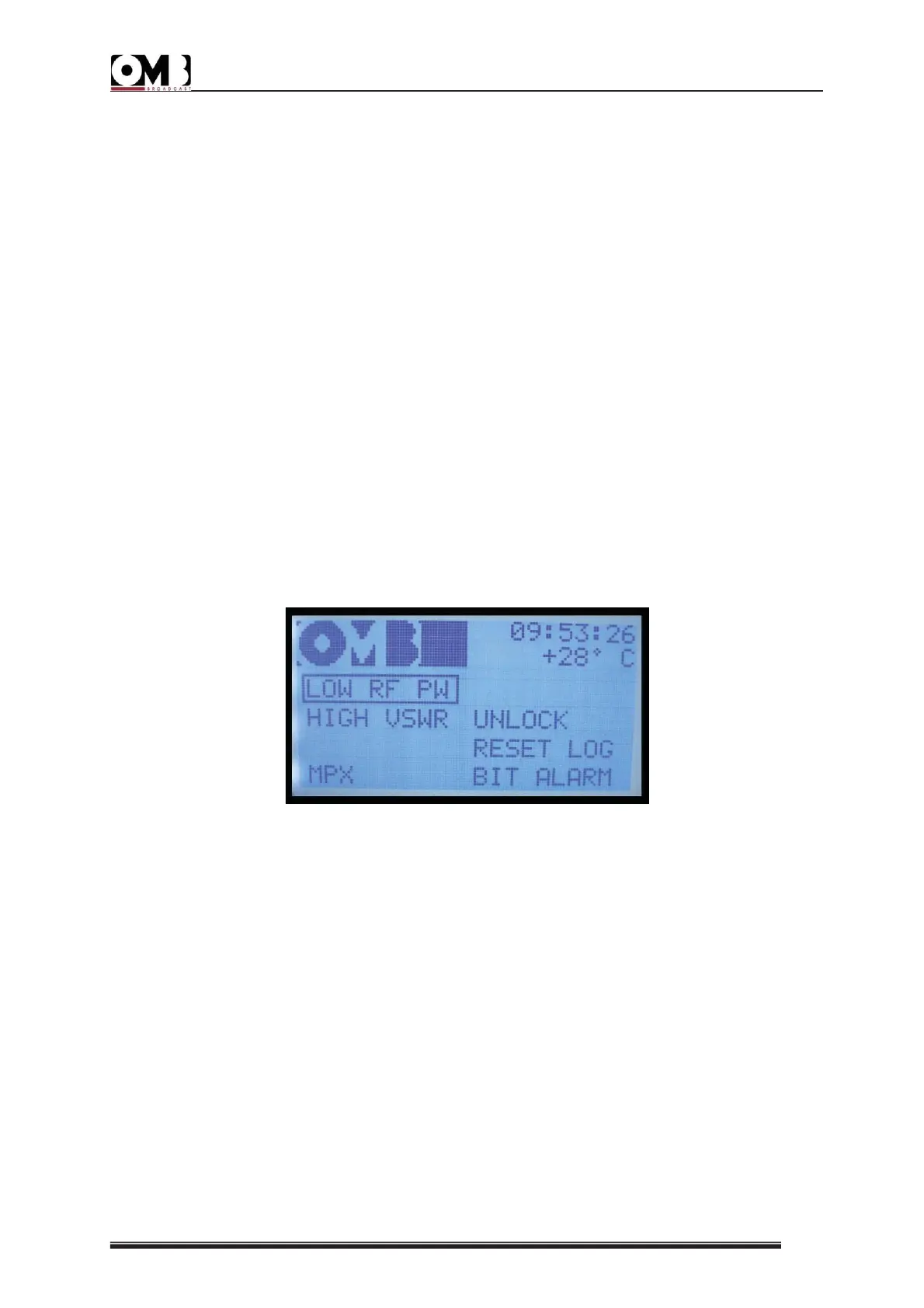
- SET ALARM setting
As previously explained, if a parameter falls outside a given value for a specific period of time
(for example: modulation 6 dB lower than the nominal value for more than 10 minutes), the
ON LED will light up in red and the bottom part of the display will indicate the associated
alarm (e.g., Mpx Low = insufficient modulation). The last 100 alarm events can be accessed
via the VIEW LOG alarm history menu, under the main VIEW menu.
This menu allows you to activate/deactivate each diagnostic alarm, and to set its sensitivity
level and the time period beyond which the alarm is activated. In addition, the RESET LOG
function is available, which allows you to delete the alarm history saved.
The following alarms can be set:
• LOW RF POW – an alarm is issued when the RF power is detected at below a certain
percentage value.
• HIGH VSWR – an alarm is issued when an excessive SWR (standing wave ratio) is detected.
• UNLOCK – an alarm is issued when the internal PLL frequency synthesizer is unlocked.
• MPX – an alarm is issued when low (or no) modulation is detected for a given period of
time.
In general, to set alarms:
1) Turn the knob to select the alarm that you wish to activate/configure (e.g., LOW RF POW),
then press to confirm.


 To Next Page