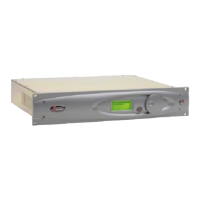
Omnia-6EX Quick-Start Setup Guide
We know that you’re probably in a hurry to get on the air with your new Omnia 6. If you have technical expertise
and previous knowledge of audio processor fundamentals, using the following Eight-Point Quick-Start Checklist
will get you up and running as quickly as possible. Please refer to the remainder of the Operating Guide for
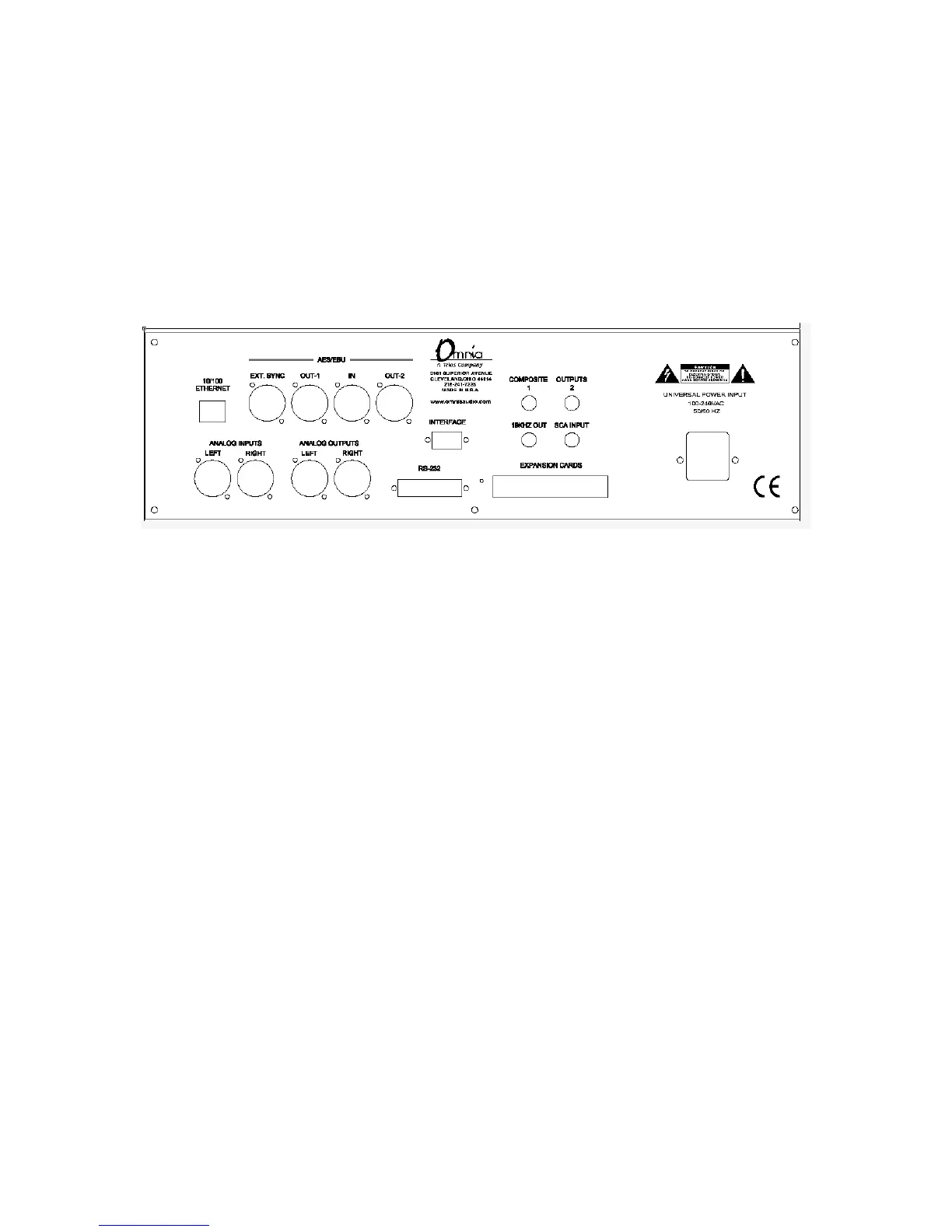
additional information. Refer to the following drawing for the location of the various connectors associated with the
installation:
1. Install the Omnia-6 in the equipment rack using at least two rack screws. If only two screws are used, they
MUST be in the bottom holes of the rack ears!
2. Connect AC power to the unit, and turn on power using the rear-panel power switch.
3. Connect the audio inputs that are appropriate for your installation.
4. Navigate to the Input Menu and select the Analog or AES/EBU input. If your audio source is providing an
audio feed you should see meter activity on the Input, Output, and Processing meters.
5. While in the Input menu and observing the Input meters, adjust the left and right input level controls until
the input meters are peaking between –12 and –6 dBFS.
6. Connect the audio outputs that are appropriate for your installation.
7. If you are using the Analog or Digital audio outputs, navigate to the Output Menu and adjust the peak
output levels for the equipment that follows the Omnia.
8. If you are using the Composite Outputs, navigate to the Encode Menu and adjust the Composite Outputs to
match the device following the Omnia-6.
You’re now ready to go on the air!
Note that the Omnia-6 is shipped with the RocknRoll preset as the default. While leaning toward the competitive
side, it provides a rich and balanced sound - a good starting point for nearly every format. Remember that our preset
names do not necessarily mean that the preset is useful for only the formats to which the name refers. Feel free to
experiment! Short descriptions of the 22 Factory Presets can be found in Appendix B starting on Page 114.
Omnia-6ex Use and Operation Manual – V: 1.10
15


 To Next Page