Input & Output Submenus
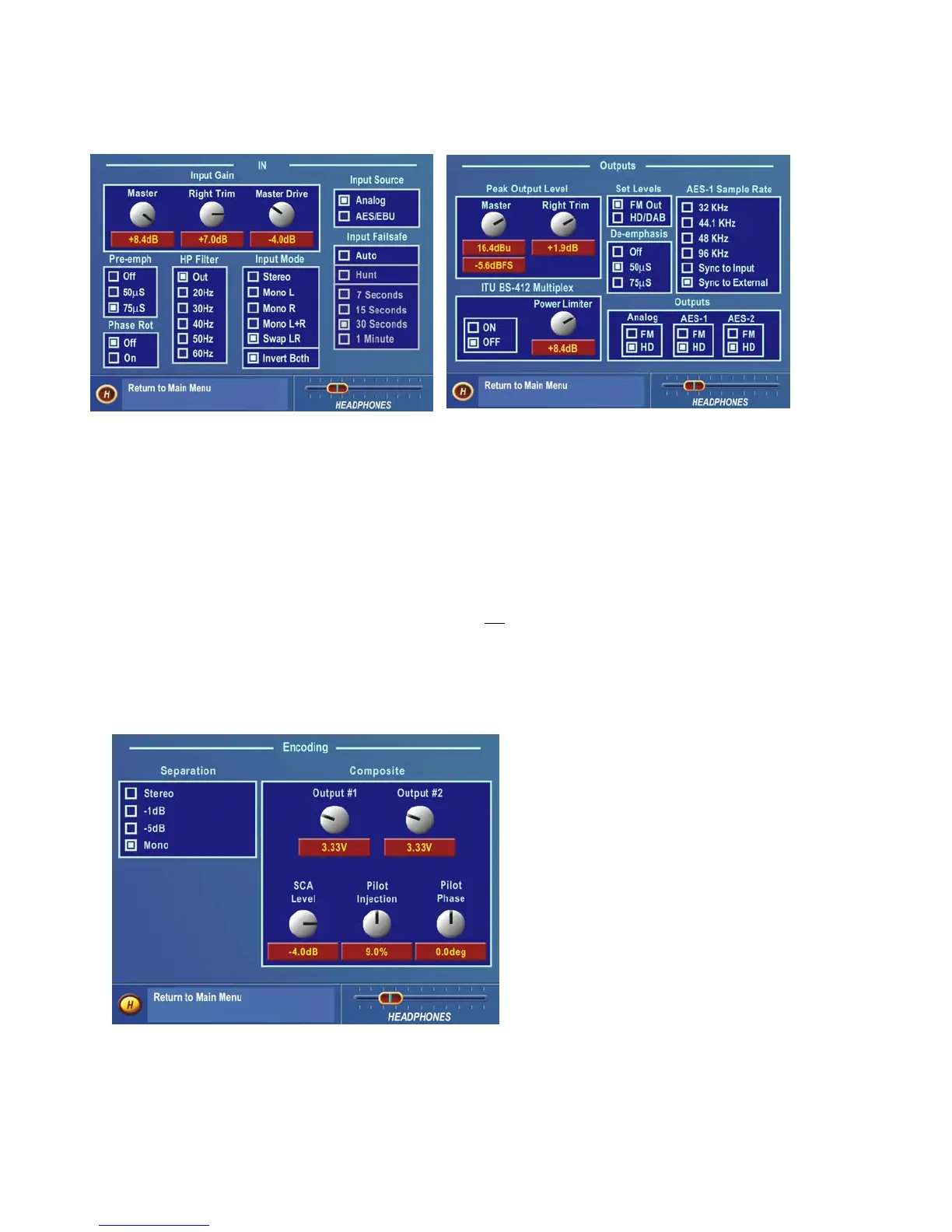
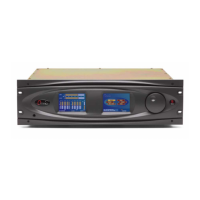
Input Submenu Output Submenu
These two submenus provide level adjustments for the left and right inputs and the absolute peak operating level of
the outputs. Note that the analog and digital Input and Output levels are affected equally by the settings of the Input
and Output Gain controls respectively. Choices governing the selection of the input audio source (Analog or
AES/EBU), signal mode (Stereo or Mono) and whether Pre-emphasis and De-emphasis is applied are also found on
these submenus. See Pages 37-41 for full details on using the Input and Output menus.
These are generally “set once and forget” selections or parameters, usually adjusted during installation and then left
alone. In fact, they are called “System” parameters, and are
not saved with a Preset. The “System” can be saved to
(and re-loaded from) the PCMCIA card using the Save To Card button in the System Menu. See Page 46 for details.
Encode (FM Mode Only)
This submenu contains the adjustments for the DSP
based Stereo Generator. The Output Levels for
Composite Outputs 1 and 2, the Stereo Pilot
Injection Level and Phase, and the SCA Injection
Level and Stereo Separation parameters are
adjustable here. Like the Input and Output menu
choices, these menu items are typically adjusted
during installation, and are saved as a System
Configuration (see above). See Page 42 for full
details.
Encode Submenu
Omnia-6ex Use and Operation Manual – V: 1.10
32


 To Next Page