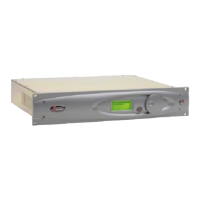
Loading A Preset
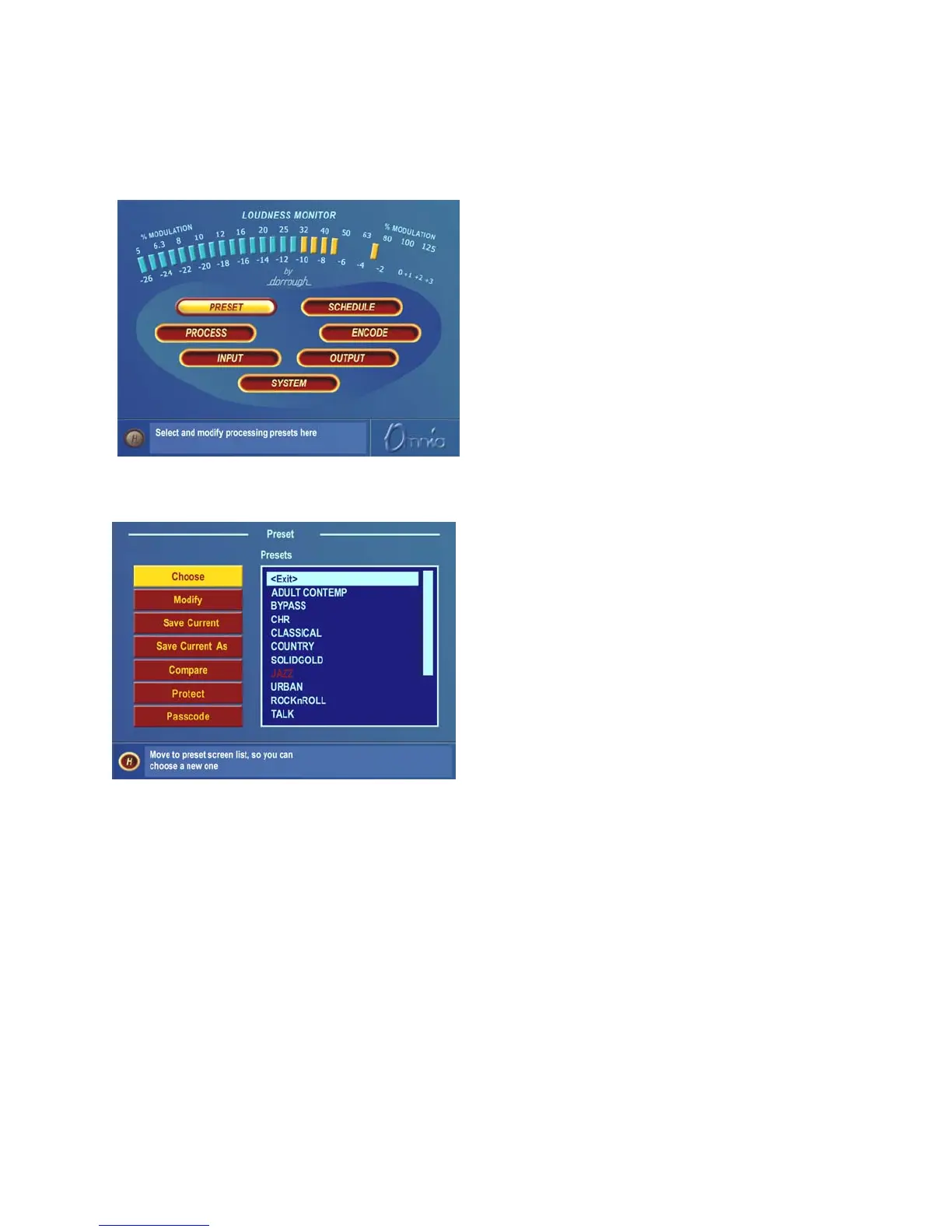
From the Main Menu, highlight Preset and click the jog-wheel.
Main Menu
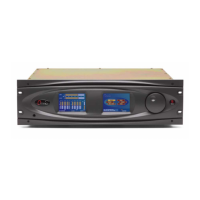
The Preset window is then displayed:
Preset Submenu
Rotate the jog wheel two clicks clockwise to highlight the Choose option. Clicking the jog-wheel once will move
the highlighting to the <Exit> selection in the preset name list. Rotate the jog-wheel clockwise to scroll down the
list, highlighting each preset as it goes. Once you have highlighted the desired preset name, just click once to load
that preset into the Omnia-6EX. To exit the preset selection list, rotate the jog wheel counter-clockwise until the
<Exit> option is highlighted. Then click once.
The name of the preset that is currently loaded is always displayed in the lower left corner of the metering display
screen.
Omnia-6ex Use and Operation Manual – V: 1.10
65


 To Next Page