EasyManua.ls Logo

Omnik SMP600 - Monitor Installation; Connection

Default Icon
42 pages
Print Icon
To Next Page IconTo Next Page
To Previous Page IconTo Previous Page
Loading...
30
Mechanical Data
Cooling
Natural convection no fans
Ambient Temperature Range
-40 ~ +65
Enclosure Environment Rating
IP65
Features
Compliance
CE
Warranty
5 Years
*The device can monitor up to 40 units PV models.
2. Monitor installation
2.1. Fix the monitor
The length of the network cable is 1.8 meters and the length of the electrical wire is
1.4 meters. Select the appropriate location to install monitor.
Object
Length
network cable
1.8m
electrical wire
1.4m
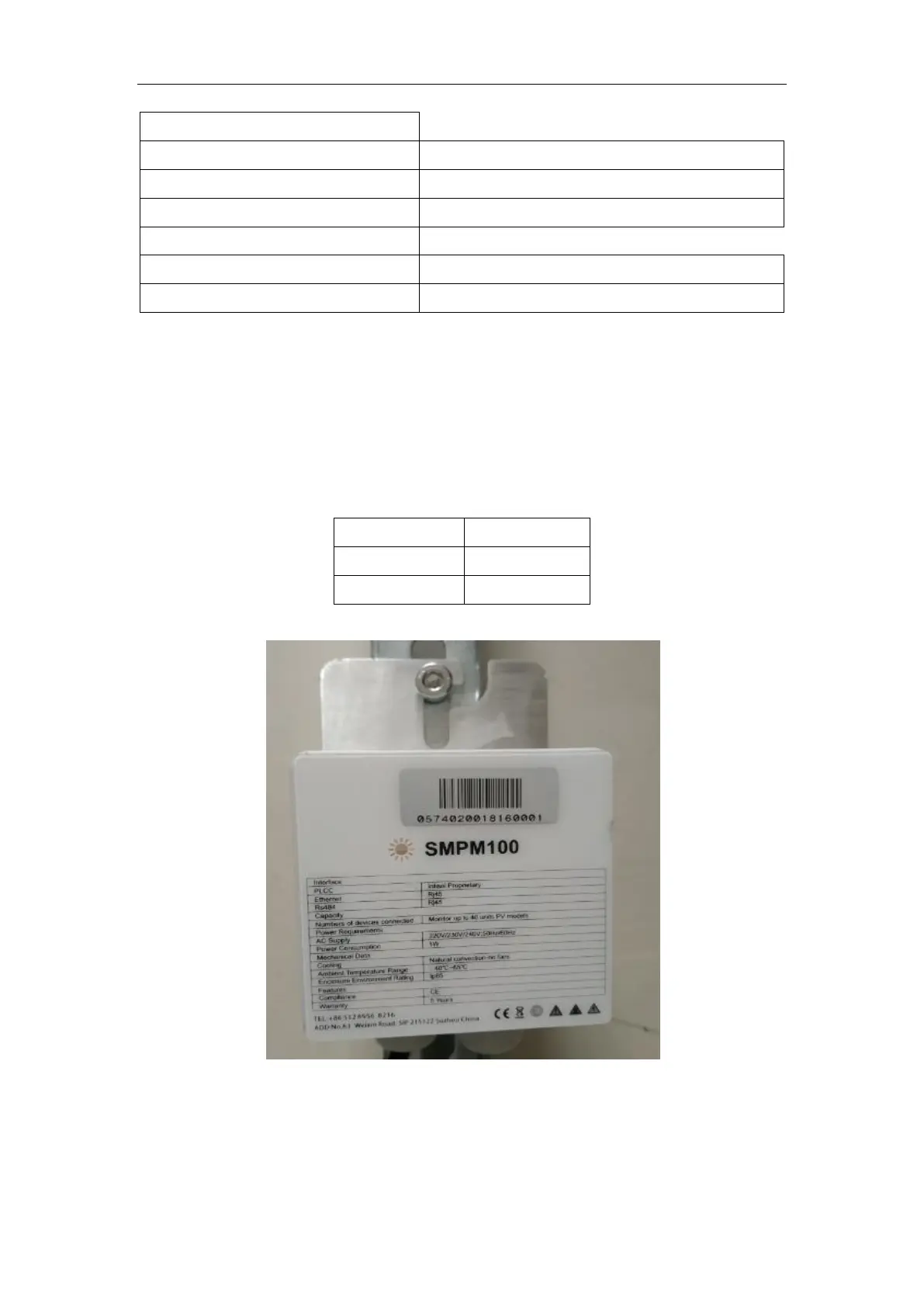
As shown below, hang up the monitor after twisting the screw.
2.2. Connection
On the left is the RJ45, which is connected to modem, and on the right is the power
cord, which is directly connected to the power supply.

Related product manuals