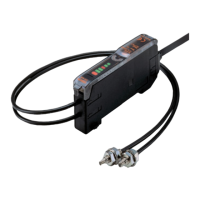
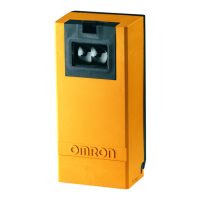
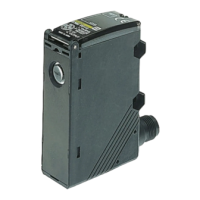
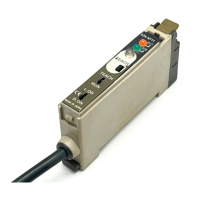
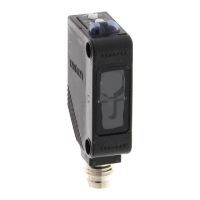
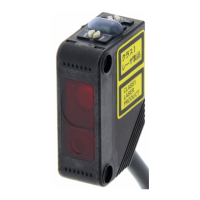
E3V3 E3V3
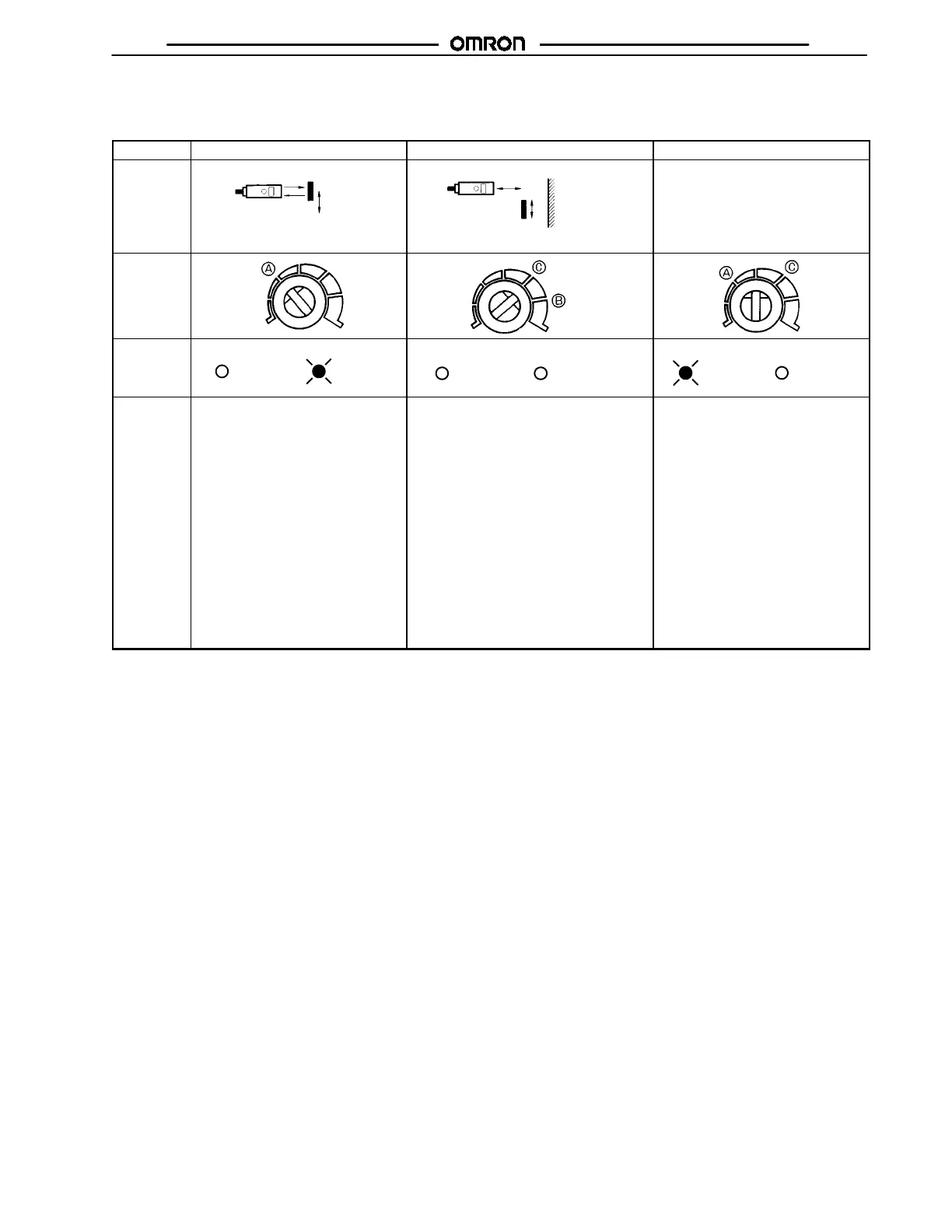
SENSITIVITY ADJUSTMENT (REFLECTIVE SENSORS)
(Diffuse reflective model in light-ON mode)
Item Position A Position B Setting
Sensing
condition
Photoelectric Sensor
Detectable
object
Photoelectric Sensor
Background
object
Detectable object
---
Sensitivity
adjustor
Indicators
OFF ON
STABILITY
(green)
OPERATION
(orange)
OFF OFF
STABILITY
(green)
OPERATION
(orange)
OFF ON
STABILITY
(green)
OPERATION
(orange)
Procedure Locate the sensing object at the
detection distance of the E3V3 and
turn the sensitivity adjustor
clockwise to increase the sensitivity
of the E3V3 until the orange
operation indicator is lit. The moment
the orange operation indicator is lit,
stop turning the sensitivity adjustor,
the position of which is point A.
Remove the sensing object and turn the
sensitivity adjustor clockwise until the
E3V3 detects the background object and
the orange operation indicator is lit. The
moment the orange operation indicator is
lit, stop turning the sensitivity adjustor, the
position of which is point B. Turn the
sensitivity adjustor counterclockwise to
decrease the sensitivity of the E3V3 until
the orange operation indicator is off. The
moment the orange operation indicator is
off, stop turning the sensitivity adjustor, the
position of which is point C.
If there is no background object, point C is
where the sensitivity adjustor is set to
maximum.
Set the sensitivity adjustor midway
between points A and C, where the
best sensitivity of the E3V3 for the
sensing object is ensured, and make
sure that the green stability indicator
is lit with and without the sensing
object at that position of the
sensitivity adjustor. If the green
stability is not lit, try another sensing
method.
Note: The rotation range of the sensitivity adjustor is 240°. Do not try to turn the sensitivity adjustor clockwise or counterclockwise
excessively, otherwise the sensitivity adjustor will break.


 To Next Page