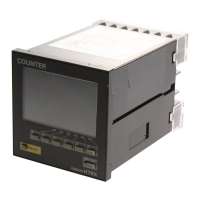
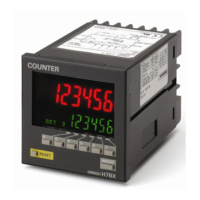
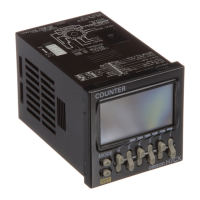
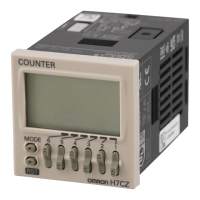
12 Total Counter/Time Counter (DIN 72 x 36) H7HP
■ Operating Modes
Nomenclature
AC (10-2)
DC (5-2)
0
0.0 h
CP1
AC (10-3)
DC (5-3)
CP2
AC (10-4)
DC (5-4)
AC (10-2)
DC (5-2)
AC (10-4)
DC (5-4)
AC (10-3)
DC (5-3)
Total Counters
Time Counters
Reset input
Display
Display
display
Reset input
Gate input
Start input
999999
(see note)
−99999
(see note)
99999.9h
(see note 1)
Note: Display values are shown for a 6-digit model.
The count value will return to "0" when "999999" is exceeded.
Note: 1. Display values are shown for full scale set to 99999.9 h.
The count value will return to "0" when "99999.9" is exceeded.
2. Gate input is available only when H7HP-A settings are made.
2
1
3
1. Reset Key
Resets the count value, but will not operate while the keys are protected.
2. Key Protection Indicator
Lit while the keys are protected (Reset Key is disabled.).
3. DIP Switch
Use to change a setting. Refer to DIP Switch Settings for details.
(The figure shows the DIP switch
label stuck to the rear of the case.)



 To Next Page