3. Taking a Blood Pressure Measurement and Recording an ECG
EN28
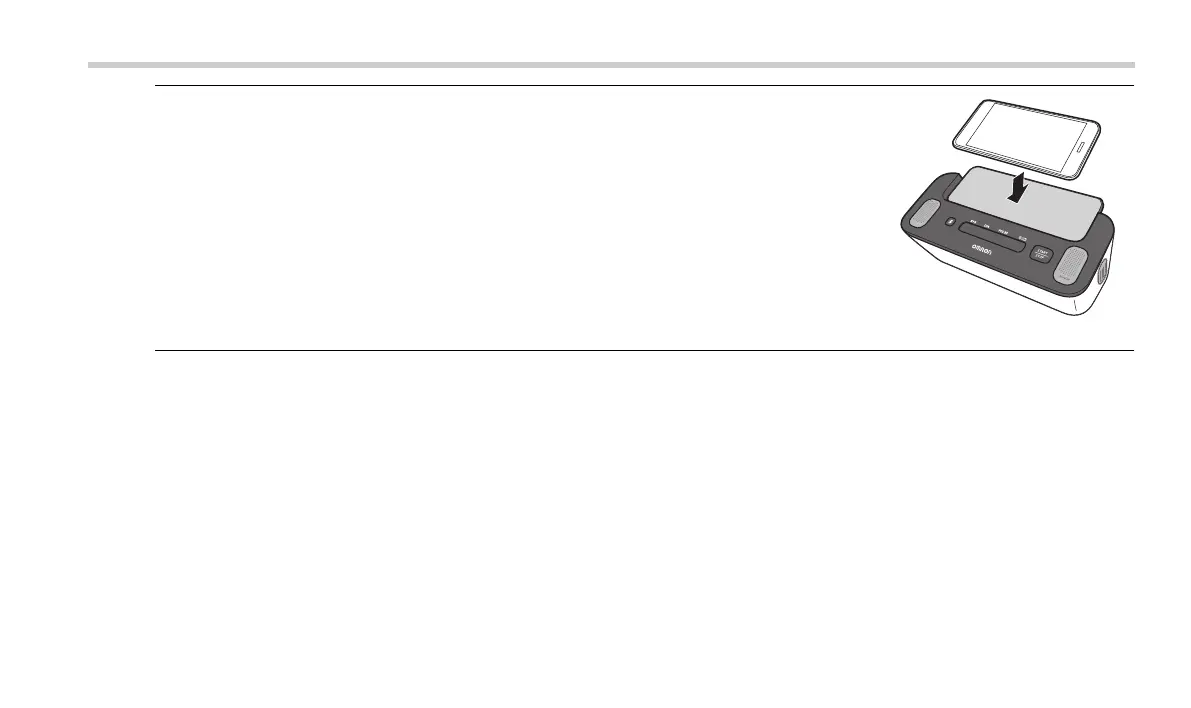
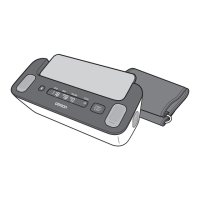
3. Place your smartphone on the smartphone stand of your
monitor.
Note
• Make sure to sit correctly. Refer to sub-section 3.2.
4. Press the BP [START/STOP] button to take a blood pressure measurement.
All symbols appear on the BP reading display of the monitor before starting.
The arm cuff will start inflating in few seconds.
3294330-0B_HEM-7530T-AP3-EN_IM.book Page 28 Thursday, June 2, 2022 11:30 AM


 To Next Page