10
6. Setting the weight.
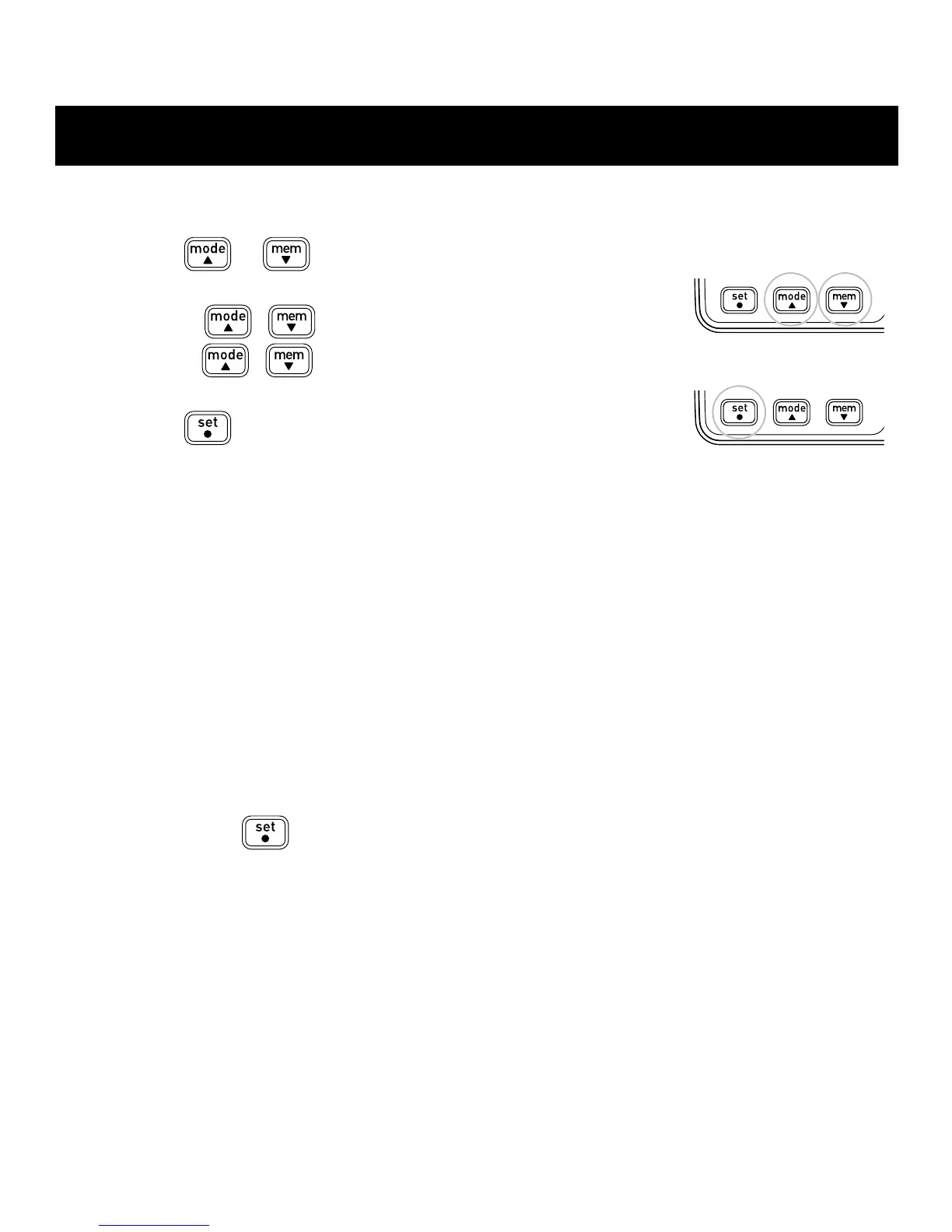
A) Press
or to select the desired value for
a setting.
• Press
( ) to advance (go back) one.
• Hold
( ) down to advance (go back)
rapidly.
B) Press
toconrmthesetting.
7. To set the height, repeat steps A) and B) in step 6 above.
8. To set the stride length, repeat steps A) and B) in step 6 above.
9. To set the hour, repeat steps A) and B) in step 6 above.
10. To set the minute, repeat steps A) and B) in step 6 above.
All the settings are completed.
Adjust the settings
1. Press and hold
.
“lb”or“kg”ashonthedisplay.
2. Follow the procedure from step 2 of “SETTINGS”.
SETTINGS
A)
B)



 To Next Page