How to Set the Date and Time
12
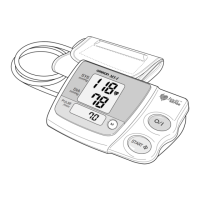
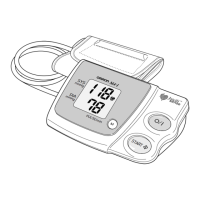
5. Repeat steps 3 and 4 to set the hour and minutes for the time.
6. The monitor will automatically turn itself off when you press the
Date/Time setting button ( ) after setting the time.
Note:
If you adjust the date and time during use, press the START/STOP
button to turn off the monitor after you have finished adjusting the
time.









 To Next Page