To View Previous Measurement Values
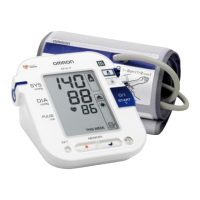
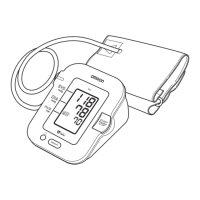
Press the MEMORY button to view the values from previous
measurements. The date and time of each measurement is displayed
along with the measurement values.
Press the MEMORY button repeatedly to cycle through the previous
measurement values
Keep the button pressed down to cycle rapidly through the previous values.
To Delete All the Values Stored in Memory
Caution:
You cannot delete the stored readings partially, all the reading in
the monitor will be deleted.
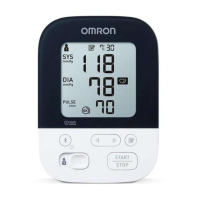
To delete stored readings, press the MEMORY button and the
START/STOP button simultaneously, all the readings will be deleted.






 To Next Page