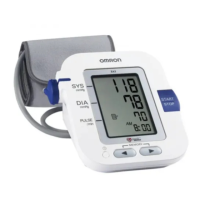
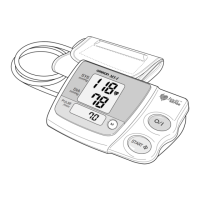
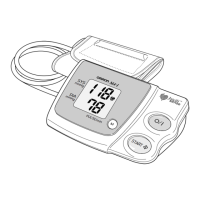
3. When the measurement is complete, the arm
cuff completely deflates and your blood
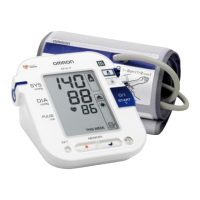
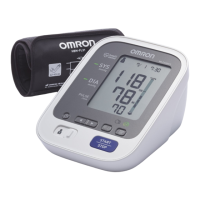
pressure and pulse rate are displayed.
Note:
The monitor automatically stores blood
pressure and pulse rate into its memory.
4. Press the START/STOP button to
turn the monitor off.
Note:
If you forget to turn the monitor off,
it will automatically shut itself off
after five minutes.
Important:
• Wait 2-3 minutes before taking another blood pressure
measurement. Waiting between readings allows the arteries to
return to the condition prior to taking the blood pressure
measurement.
• If you move during measurement, the movement error symbol
( ) may appear. Repeat the measurement and remain still
until the measurement is complete.
Correct Usage
17
How to Take a Measurement




 To Next Page