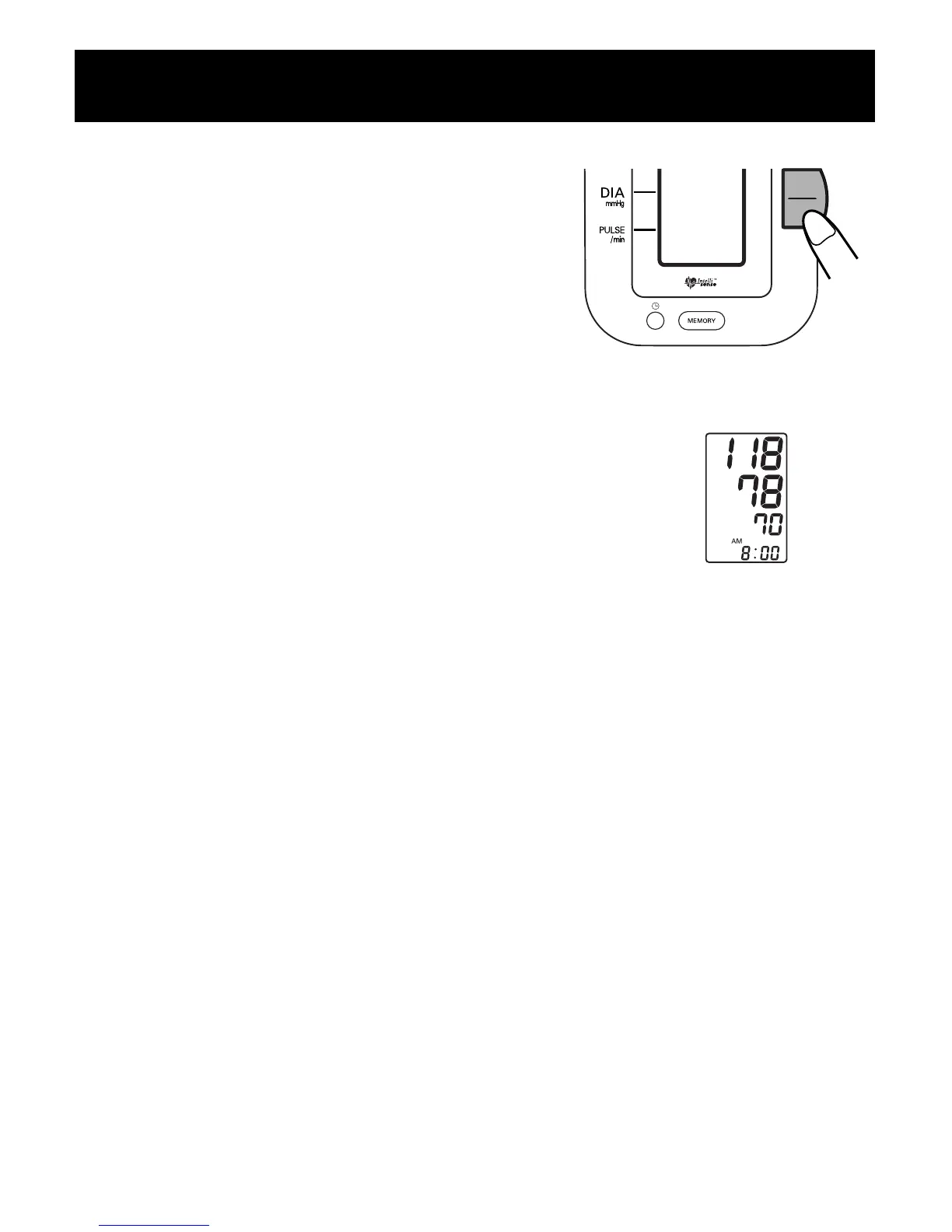
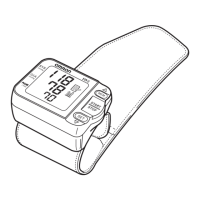
5. Press the START/STOP button.
• The arm cuff will start to inflate
and the monitor will start the
measurement.
• Remain still and do not talk during
the measurement.
6. When measurement is complete, the monitor
displays your blood pressure and pulse rate,
and automatically deflates the cuff.
Notes:
• Always wait at least 2-3 minutes before taking another blood
pressure measurement.
You may require more rest time between readings depending
on your individual physiological characteristics.
• Only use the IA2 to measure your own blood pressure since the
results of measurements are stored in memory.
Quick Reference Guide
8




 To Next Page