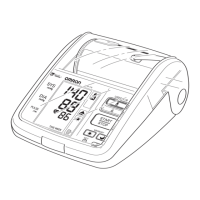
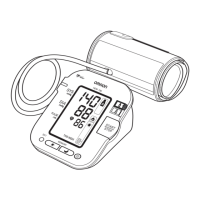
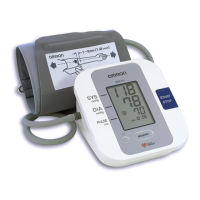
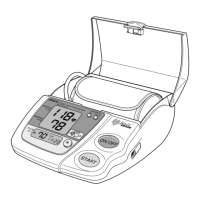
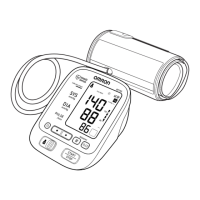
RESETTING THE DATE AND TIME
To adjust the date or time after it has been setup when you first use
the unit.
Start with the monitor in the off position.
1. Press and hold the Date/Time Setting button ( ).
The Medication Symbol ( ) No.1 and the current setting (on or
oFF) will appear on the display.
Press the Date/Time Setting button repeatedly until the year flashes on
the display.
2. Refer to “Setting the Date and Time”.
The Medication Symbol ( ) No.1 and the current setting (on or
oFF) will appear on the display, after the minute has been set.
3. Press the START/STOP button to turn the monitor off.
NOTE: If you need to change the Date and Time, always adjust the
Date and Time setting before taking the next measurement.
SETTING THE DATE AND TIME
19



 To Next Page
 Loading...