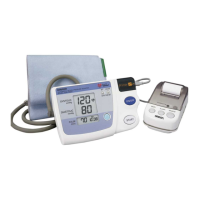
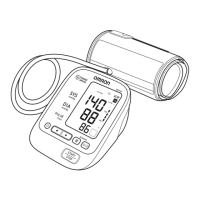
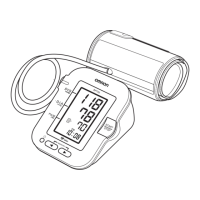
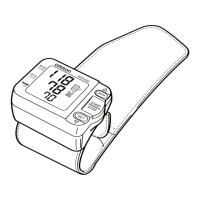
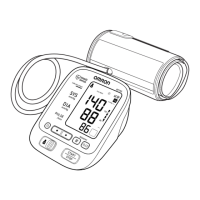
TO DELETE ALLVALUES STORED IN THE MEMORY
You cannot partially delete values stored in the memory.
1. Press the Memory button ( ) to turn the monitor on.
2. Press the Memory button ( )
again.
While holding it down, press
the START/STOP button
together for more than 5
seconds.
3. Press the START/STOP button to turn the monitor off.
NOTE:The monitor will automatically turn off after two minutes.
USING THE MEMORY FUNCTION
33



 To Next Page
 Loading...