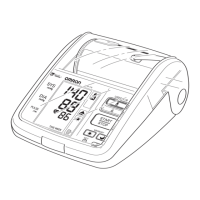
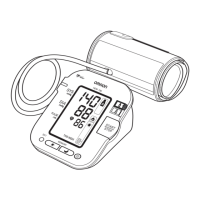
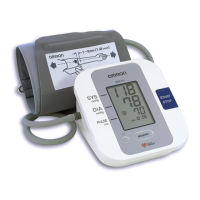
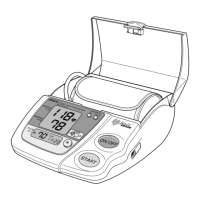
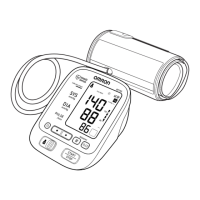
2. Press the Memory button ( ) to display the most recent set of
measurement values on the screen. The values are displayed from the
most recent to the oldest.
NOTE: The date and time are
alternately displayed with the
measurement values.
Press the Memory button ( ) to
display the next set of values.
Press and hold the Memory button
( ) to display the values faster.
3. Press the START/STOP button to turn the power off.
USING THE MEMORY FUNCTION
32
Alternating display



 To Next Page
 Loading...