TITLE
14
CLEANING AND STORING
When measurement is finished, clean and store the unit.
How to clean the unit
Main unit
Wipe off dirt on the main unit with a soft dry cloth.
Never wash the unit or clean with a cleaner containing
abrasive, thinner, or benzine.
Infrared sensor
When the infrared sensor becomes dirty, wipe it lightly with
a soft dry cloth or a cotton swab.
Do not wipe the infrared sensor with a tissue paper or a
paper towel.
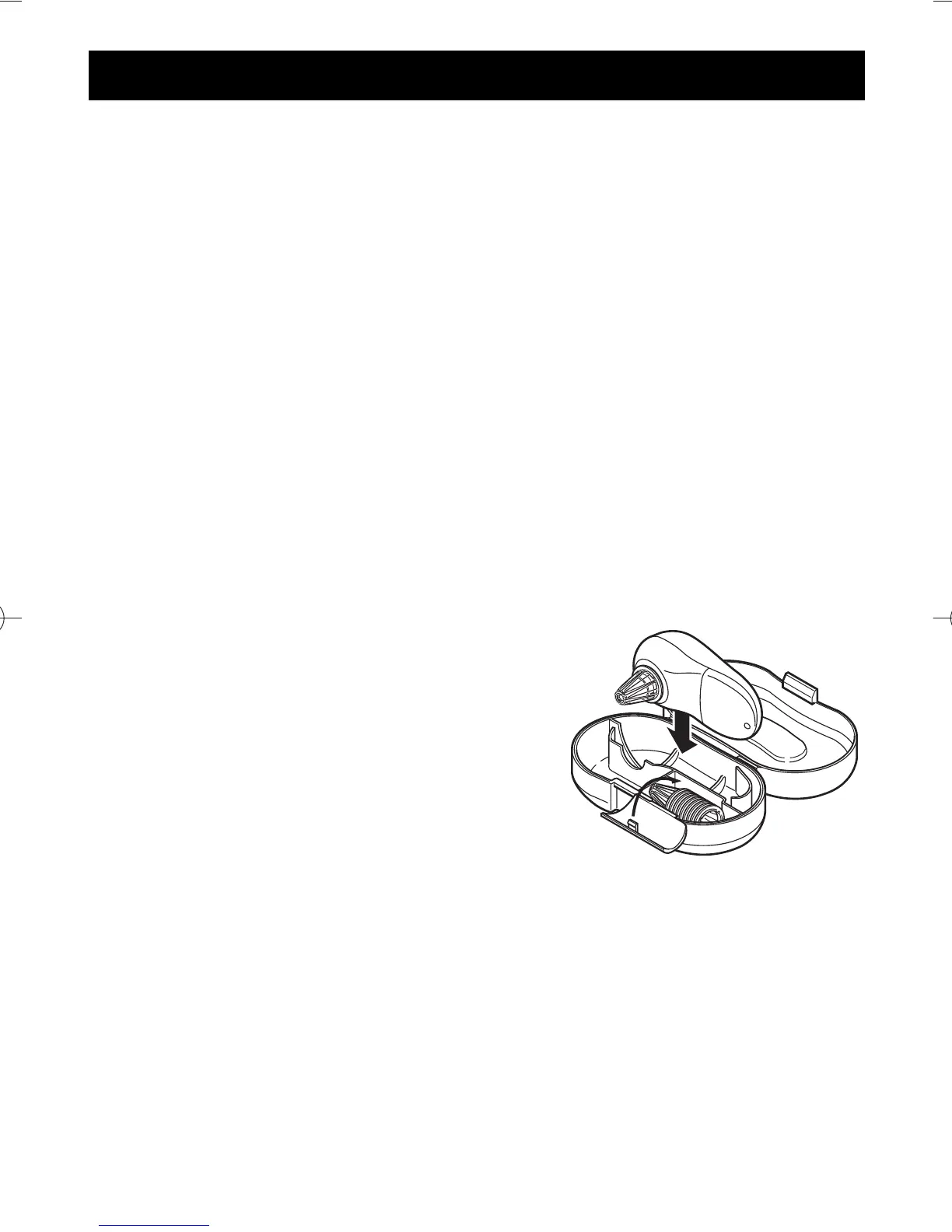
How to store the unit
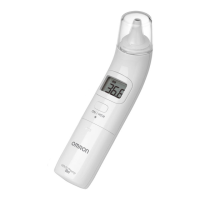
After cleaning the unit, attach probe
cover and store the unit in the
storage case.
It is recommended to store the unit
in the place where you usually use
so that it can be used immediately
when needed.
Probe covers are consumables. Additional probe covers
can be purchased at OMRON’s representative stores.
Do not store the unit under direct sunshine, where the
temperature and humidity are high, in dusty places, near
the fire, or where vibration and/or shock can be applied
easily.


 To Next Page
 Loading...