EN
11
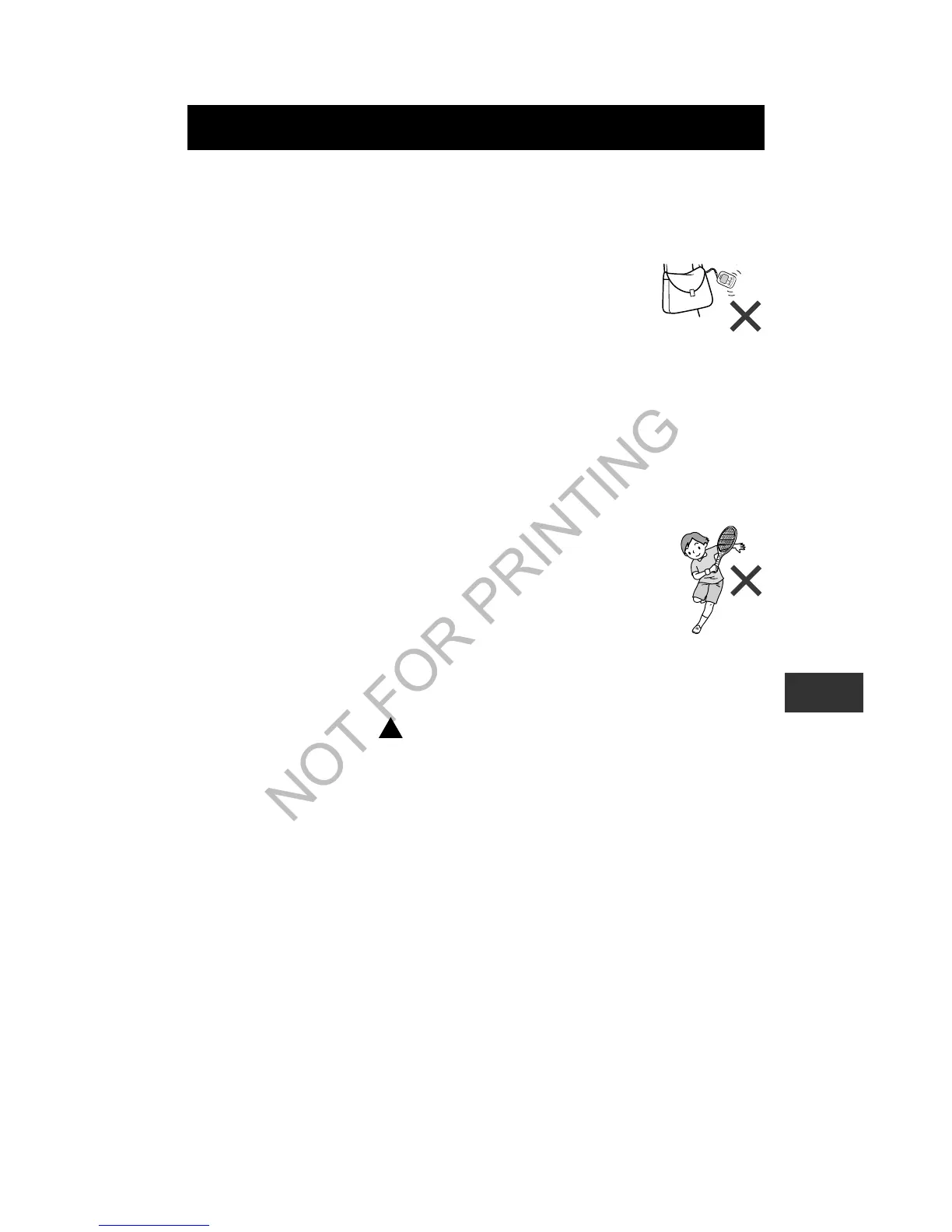
Cases where the unit may not be able to count steps
accurately
Irregular movement
• When the unit is placed in a bag that moves
irregularly.
• When the unit hangs from your waist or a bag.
Inconsistent walking pace
• When you shuffle or wear sandals etc.
• When you cannot walk at a consistent pace in a crowded
area.
Excessive vertical movement or vibration
• When standing up and/or sitting down.
• When doing sports other than walking.
• When ascending or descending stairs or on a
steep slope.
• When there is vertical or horizontal vibration in a
moving vehicle such as on the bicycle, in a car,
trains or a bus.
When walking very slowly
Start walking
After a walk, press to read the data (refer to “Checking
the current display” on page 13).
Notes:
• In order to avoid counting steps that are not part of a
walk, the unit does not display the step count for the first
4 seconds of walking. If you continue walking for more
than 4 seconds, it displays the step count for the first
4 seconds and then continues to count.
• This unit resets to “0” at midnight (0:00) each day.
USING THE UNIT


 To Next Page
 Loading...