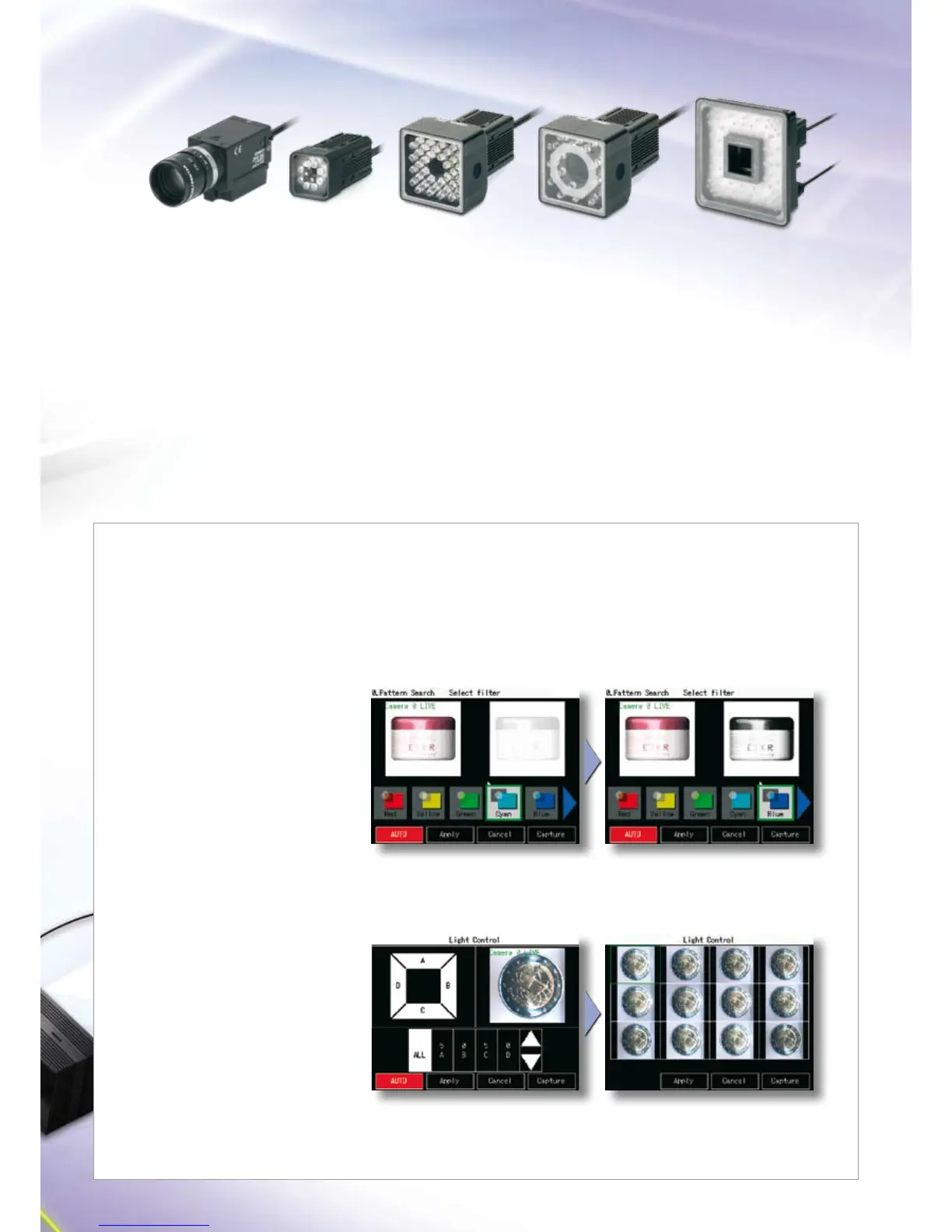
One sensor fits all
Pick the camera and controller suitable for the job.
This guarantees maximum flexibility and helps minimise your
investment costs.
The range of cameras provides a field of view from mm
to mm, which allows you to inspect even large workpieces
that previously could not be handled.
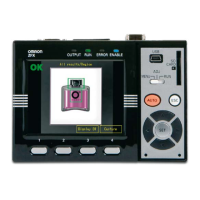
The ZFX features cameras with integrated lighting and a lens
with adjustable focus. A c-mount camera, providing any
lens/light combination, and a choice of controllers (with and
without code reading) are also available. Depending on the
connected camera, the controllers can work in monochrome
or colour mode. The ZFX-C/ represents a two camera
system for advanced applications.
Optimize your set-up with a click
Auto settings is a sophisticated built-in support function that applies optimum measurement conditions just
by selecting AUTO. Automatically made settings can be checked and changed in each of the set-up screens.
Step 2
Choose the correct lighting with just one click.
Step 1
Just press AUTO to automatically obtain
optimum lighting measurements.
Auto set-up for light control
Set the perfect lighting in no time at all.
Step 2
The optimum filter is automatically selected
from seven colour filters.
Step 1
Just press AUTO to automatically improve
the contrast.
Auto selection of colour filter
Select the optimum colour filter.
ZFX-SR10/SC10
FOV: to mm
ZFX-SR50
FOV: to mm
ZFX-SC50
FOV: to mm
ZFX-SC90
FOV: to mm
ZFX-SC150
FOV: to mm
C-mount:
ZFX-S
ZFX-SC


 To Next Page