16
4.2.4 Testing the Engraving Eect
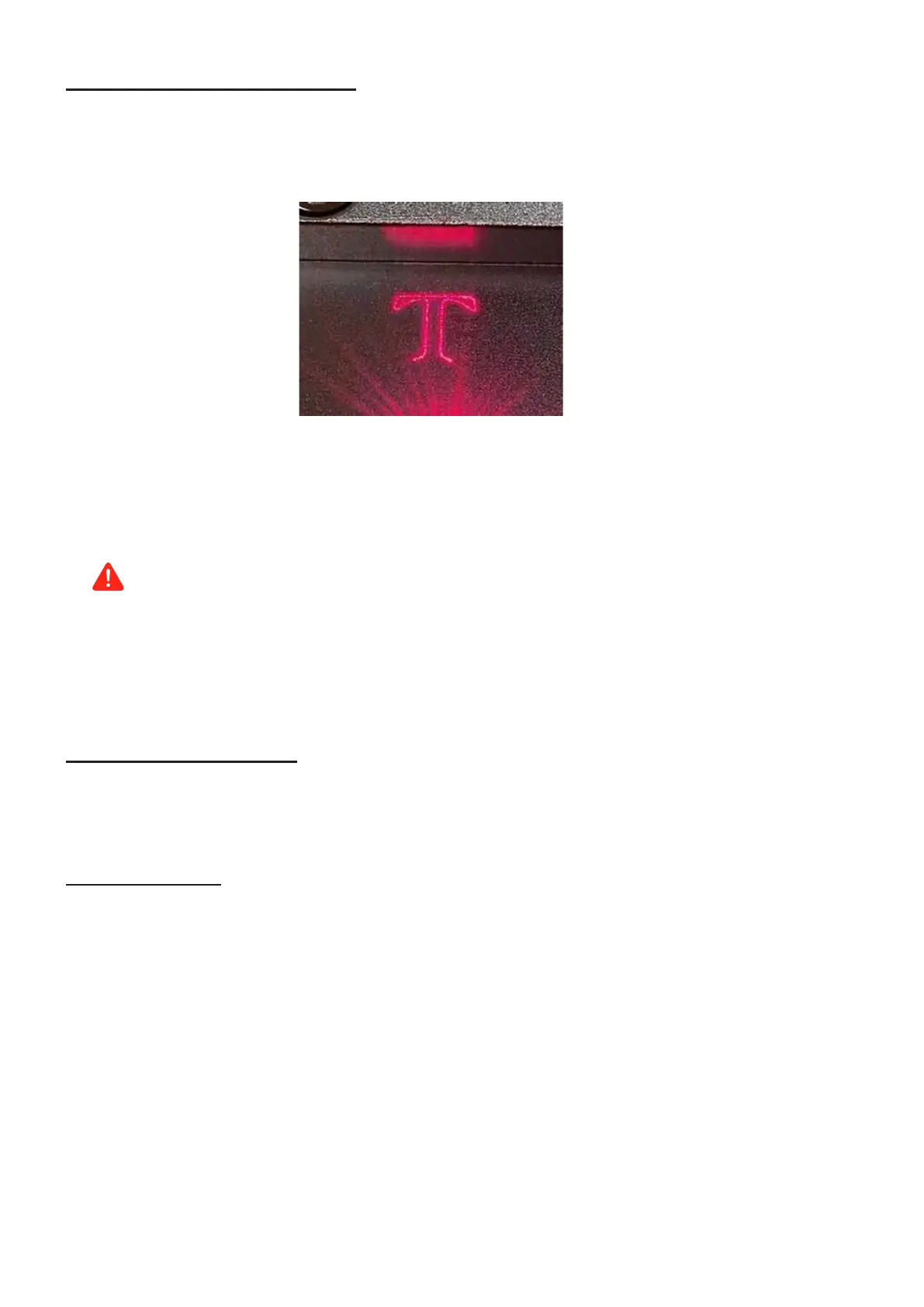
1. Activate the laser guidance system by clicking Red in EZCad or pressing the F1 on the computer.
The design should be displayed in red light on the working platform showing where the laser will re.
2. Place a piece of laserable test material to display the design at the desired engraving position.
Note: The test material should be of the same material as the actual one you are going to mark.
3. Click Mark in EZCad or press the F2 key on the computer to engrave your design.
Danger
When an unexpected situation occurs, press the emergency stop button immediately to halt the machine's
operation.
4. Examine the quality of your first run and adjust the laser parameters in EZCad as necessary to create your
desired eect.
4.2.5 Engraving the Design
1. Replace the test material with the actual material.
2. Click Mark in EZCad or press the F2 key on the computer to engrave your design.
4.2.6 Finishing-up
After you have nished engraving your design:
1. Disconnect your computer.
2. Press the emergency stop button.
3. Turn the key counterclockwise to turn o the laser.
4. Press the focus button to turn o the red dot guider.
5. Press the power switch to the “OFF” position.
6. Disconnect the machine from the power supply.
7. Clean the worktable.



 To Next Page