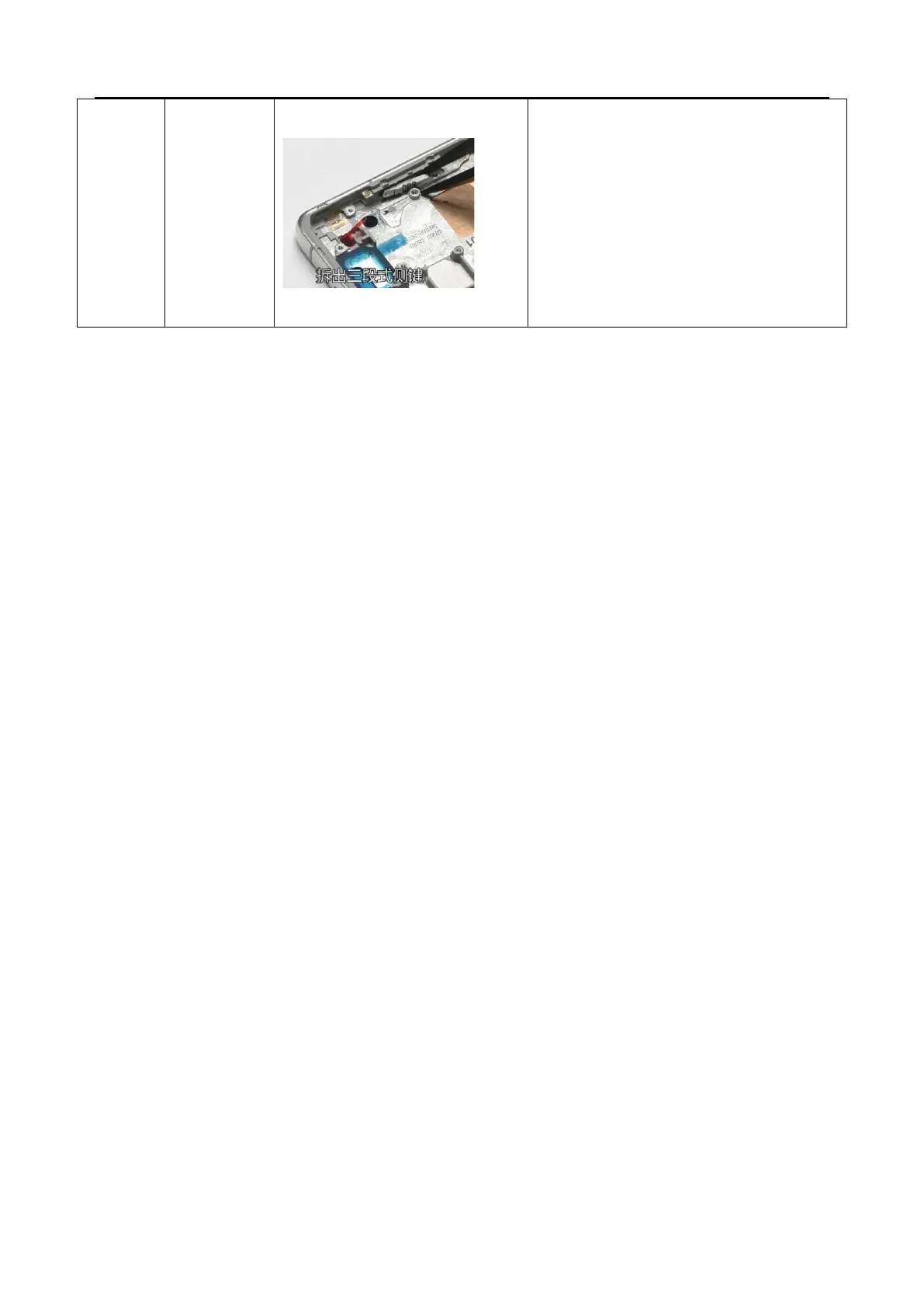
1. Use tweezers to gently lift the disassembly
position of the red arrow on the three section
button, and then use tweezers to clamp out the
three section cover plate
2. Use tweezers to remove the three-stage bracket
(usually with steel balls, be careful when handling to
avoid steel balls rolling off and losing them)
3. Remove the three-stage side key and gently
remove the steel ball



 To Next Page