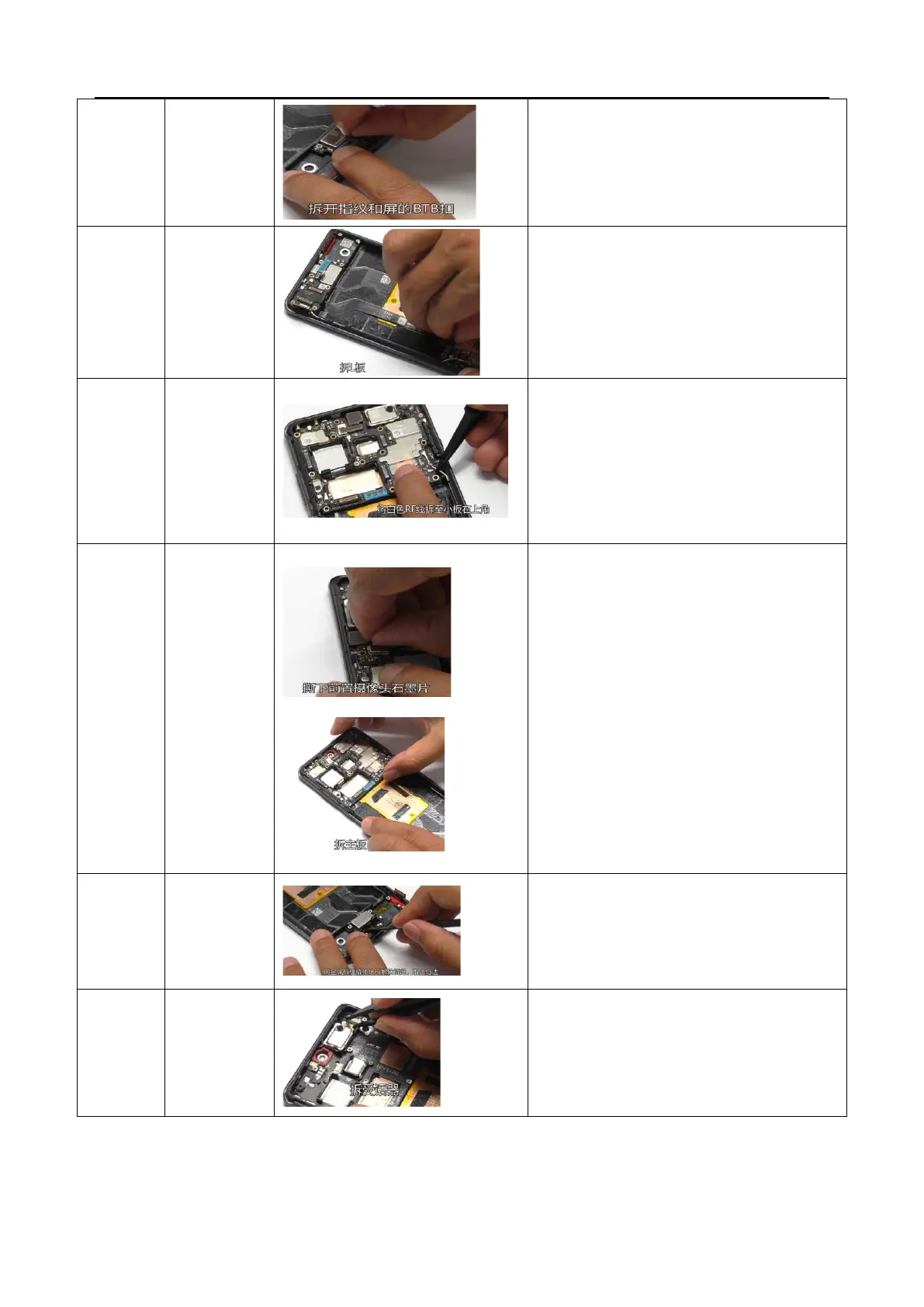
Disassemble the white RF cable, move it to the small
board position, and remove the sub board
1. Tear off the graphite sheet of the front camera
and disassemble the front camera BTB
2. Use an electric screwdriver to remove the
preset screws of the motherboard, take out the
motherboard from bottom to top, be careful
not to scratch the FPC of the front camera, and
clean the thermal conductive gel on the back of
the motherboard and the corresponding
position of the middle frame
3. Gently pry away from the side of the camera
with your fingertips, then tilt and remove the
camera
Use tweezers to lift the FPC adhesive position of the
receiver from the disassembly position, use
fingertips to pull it out from the side, tilt and remove
the receiver, and tear off the adhesive residue on the
receiver and the middle frame



 To Next Page