En-14
Connecting the CD Player—Continued
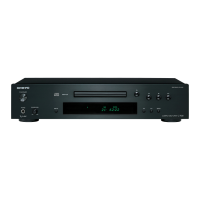
With (Remote Interactive) you can control the
C-7030 together with your other -compatible Onkyo
AV components. With some Onkyo AV receivers you
can use one remote controller to control all your Onkyo
components and use the following special functions:
Direct Change
If your C-7030 is connected to an -compatible Onkyo
hi-fi amp or AV receiver, when you start playback on the
C-7030, the AV receiver will select the C-7030 as the
input source.
Remote Control Operation
You can control the C-7030 by using your Onkyo ampli-
fier’s remote controller. See the amplifier’s instruction
manual for details.
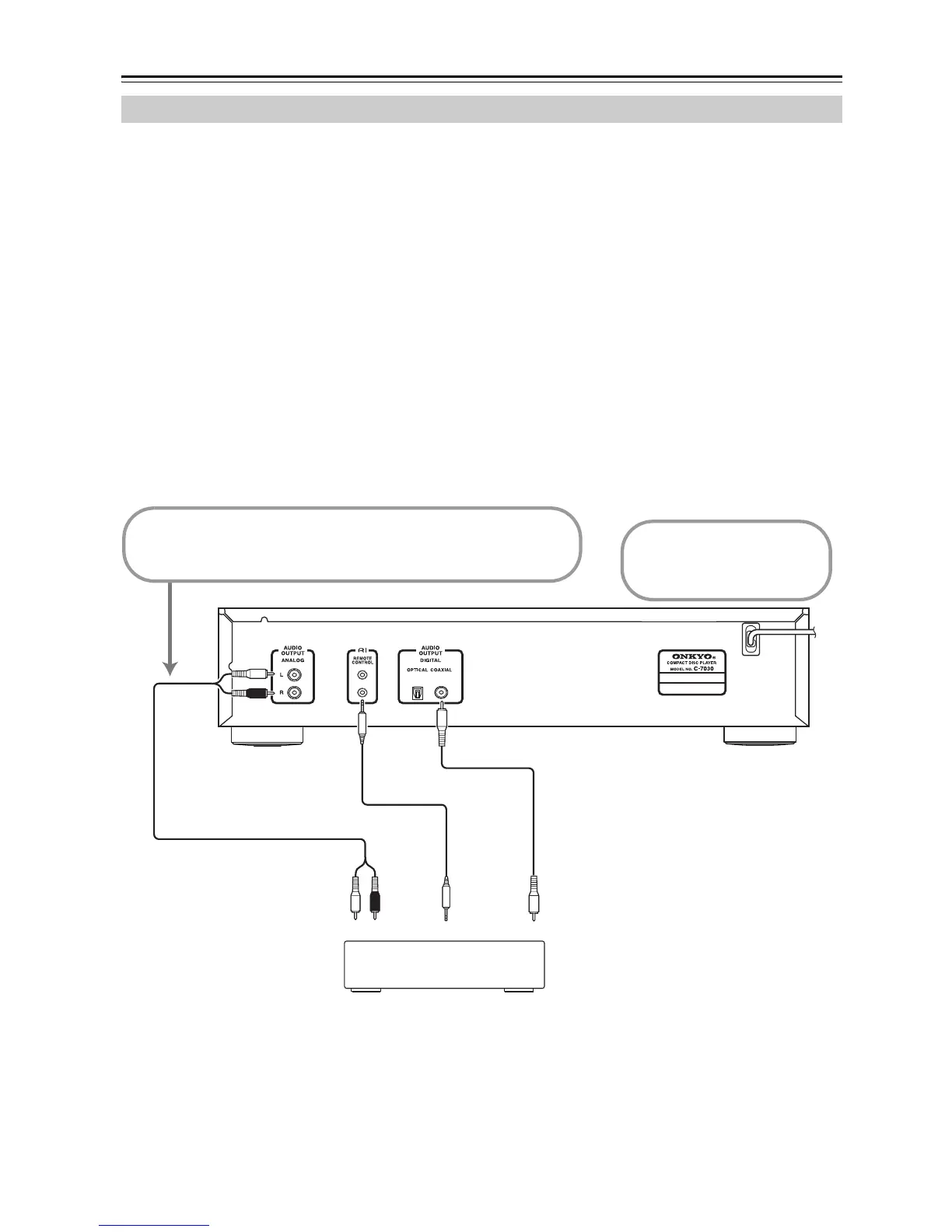
To use the functions, you need to connect one of the
C-7030’s connectors to an connector on another
AV component in your system by using the supplied
cable.
See the manuals supplied with your other -compati-
ble AV components for more information.
Notes:
• Use only cables for connections.
• The C-7030 has two connectors. You can connect
either one to your Onkyo hi-fi amp or AV receiver. The
other connector is for connecting additional -com-
patible components.
• Connect the C-7030’s connector only to Onkyo
AV components. Connecting to other manufacturer’s
AV components may cause them to malfunction.
• Some Onkyo -compatible AV components may not
support the special functions described here.
Connections
RCA/phono audio cable (supplied)
cable (supplied)
Coaxial cable (not supplied)
Onkyo Hi-fi amp, AV receiver
Disconnect the power
cord before making any
connections!
Coaxial IN
CD
To use you must make an analog audio connection
(RCA/phono) between the C-7030 and your other Onkyo
component even if they are connected digitally.


 To Next Page
 Loading...