En-21
Various Playback Modes
You can select the following playback modes:
• Random playback
• Memory playback
• Repeat playback
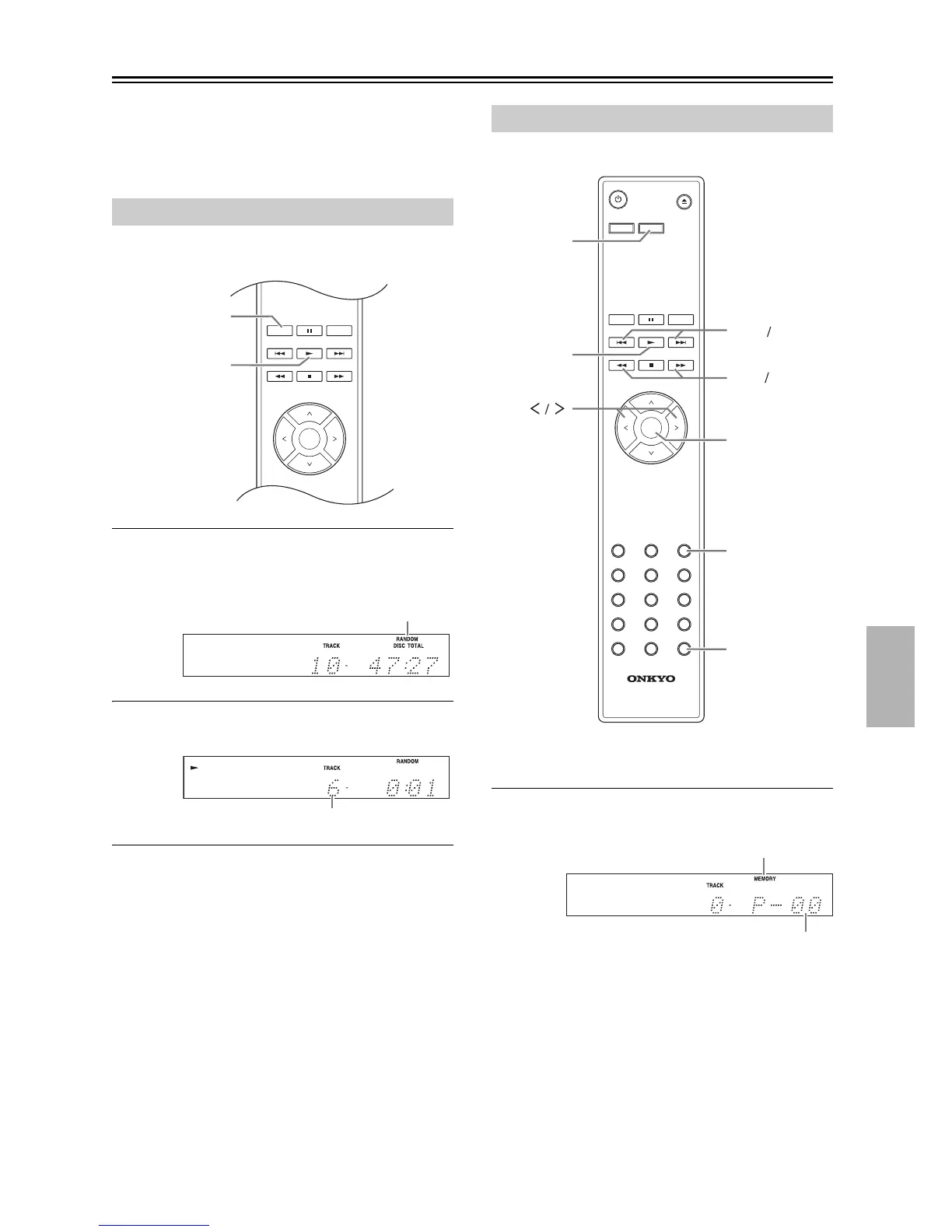
With random playback, all of the files on the disc are
played in random order.
1
While playback is stopped, press the [RAN-
DOM] button; the RANDOM indicator
appears.
2
To start random playback, press the Play
[] button.
■ To Cancel Random Playback
• Stop playback, then press the [RANDOM] button to
change the playback mode. The RANDOM indicator
disappears, and random playback is cancelled.
• Random playback is cancelled when the disc is
ejected.
In memory playback, you can create a playlist of up to
25 files.
Memory playback can be set only when playback is
stopped.
1
Press the [MEMORY] button; the MEMORY
indicator appears.
Random Playback


 To Next Page
 Loading...