59
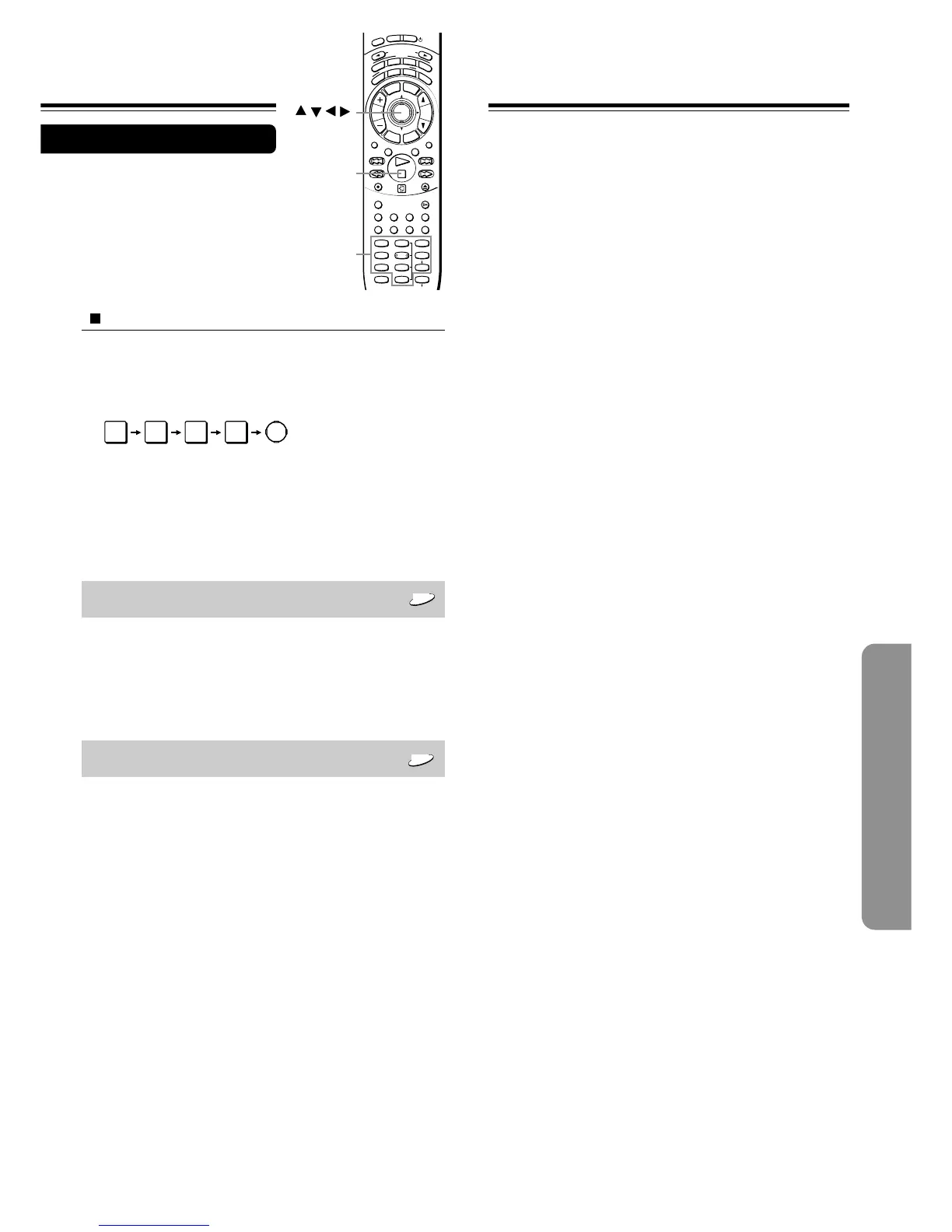
To change your 4-digit security code
After selecting “On” or “Off” and pressing ENTER in step 4 of
“Setting Steps” on page 52:
1 Press e four times on the remote controller, then press
ENTER.
The 4-digit security code is cleared.
2 Press the number buttons to create a new 4-digit security
code.
3 Press ENTER.
Title Stop
DVD
• Off: The DVD Receiver continues playback after
playback of a title is complete.
• On: The DVD Receiver stops playback after
playback of a title is complete.
PBC
VCD
PBC is the abbreviation for Playback Control (see
“About VIDEO CDs” on page 9.)
• Off: Select to play a PBC-featured VIDEO CD
without using the menu screen.
• On: Select to view the menu screen when playing
a PBC-featured VIDEO CD.
ENTER
I
N
P
U
T
S
E
L
E
C
T
O
R
M
O
D
E
A
U
D
I
O
D
V
D
T
V
T
A
/
M
D
L
I
S
T
E
N
I
N
G
M
O
D
E
A
.
C
T
R
L
T
–
D
S
T
E
R
E
O
S
U
R
R
T
I
T
L
E
M
E
N
U
S
E
T
U
P
T
V
/
V
C
R
R
E
T
U
R
N
CH
TUN
VOLENTER
REPEAT MUTING
A – B
REC
DIMMER
OPEN/CLOSE
RANDOM SLOW
SUBTITLE – ON / OFF
ANGLE ZOOM
MEMORY CLEAR AUDIO DISPLAY
--
/
---
SW MODE
LATE NIGHT DISTANCE
CH SEL
T– D SETUP
UP/ DOWN
TEST TONE
SP A
SP B
123
456
789
+
10 0
SEARCH
S
T
N
B
Y
O
N
S
L
E
E
P
/ / /
/ENTER
e
Number
buttons


 To Next Page
 Loading...