50
> Specifications > Settings > Listening Modes > Playback Function > Basic Manual
Troubleshooting | Appendix
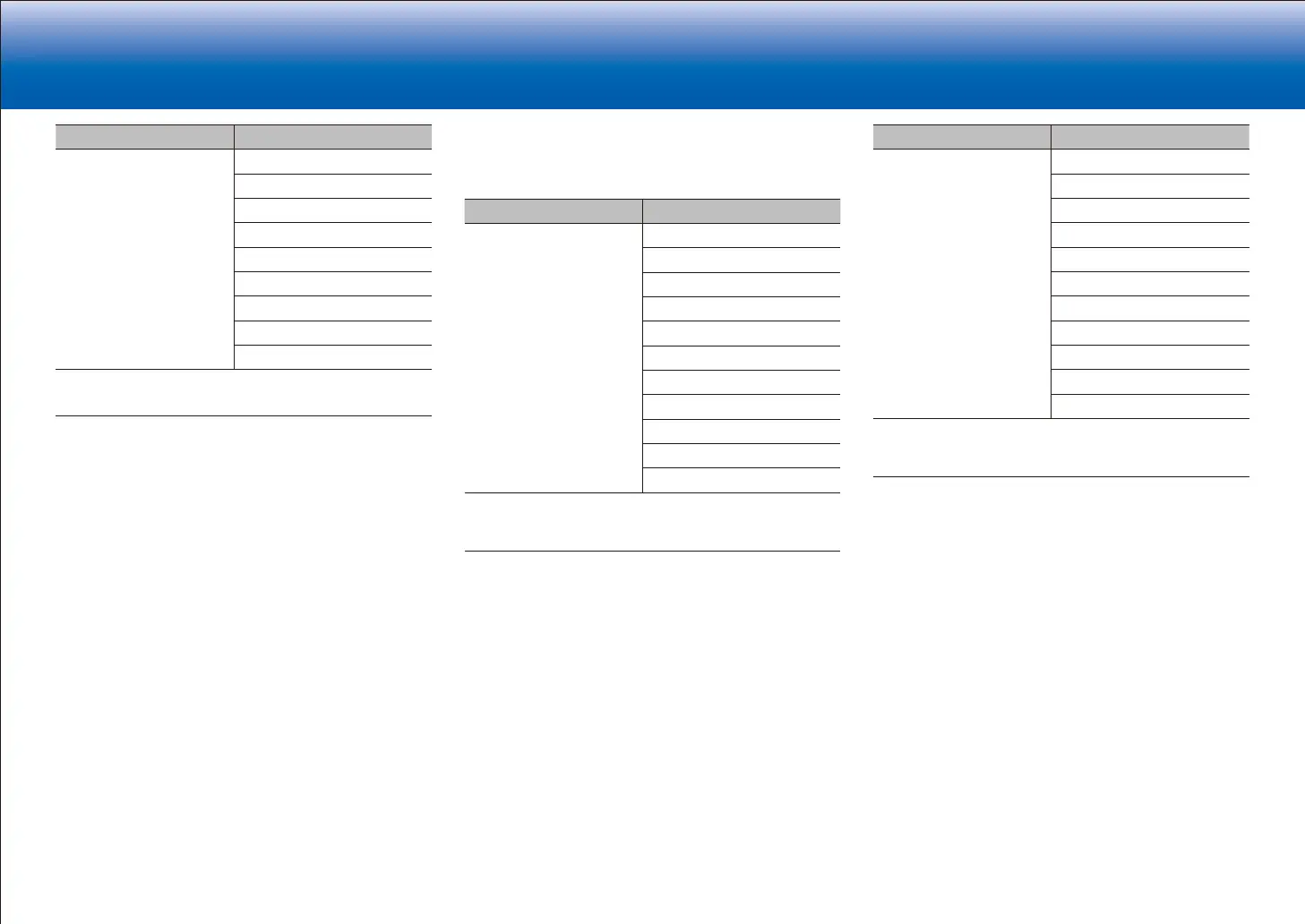
Input Format Listening Mode
DTS:X Pure Audio
Direct
Stereo
DTS:X
Orchestra
1
Unplugged
1
Studio-Mix
1
AllCh Stereo
2
Full Mono
2
1
Surround speakers or height speakers need to be installed.
2
A center speaker, surround speakers, or height speakers need to be
installed.
■ GAME button
This is a list of listening modes you can select according to
the audio format of the input signal.
Input Format Listening Mode
Analog Direct
Dolby Surround
DTS Neural:X
THX Games
1
Game-RPG
2
Game-Action
2
Game-Rock
2
Game-Sports
2
AllCh Stereo
3
Full Mono
3
T-D
1
Surround speakers need to be installed.
2
Surround speakers or height speakers need to be installed.
3
A center speaker, surround speakers, or height speakers need to be
installed.
Input Format Listening Mode
PCM
Music files (except DSD/
Dolby TrueHD)
Direct
Dolby Surround
DTS Neural:X
THX Games
1
Game-RPG
2
Game-Action
2
Game-Rock
2
Game-Sports
2
AllCh Stereo
3
Full Mono
3
T-D
1
Surround speakers need to be installed.
2
Surround speakers or height speakers need to be installed.
3
A center speaker, surround speakers, or height speakers need to be
installed.


 To Next Page
 Loading...