54
> Specifications > Settings > Listening Modes > Playback Function > Basic Manual
Troubleshooting | Appendix
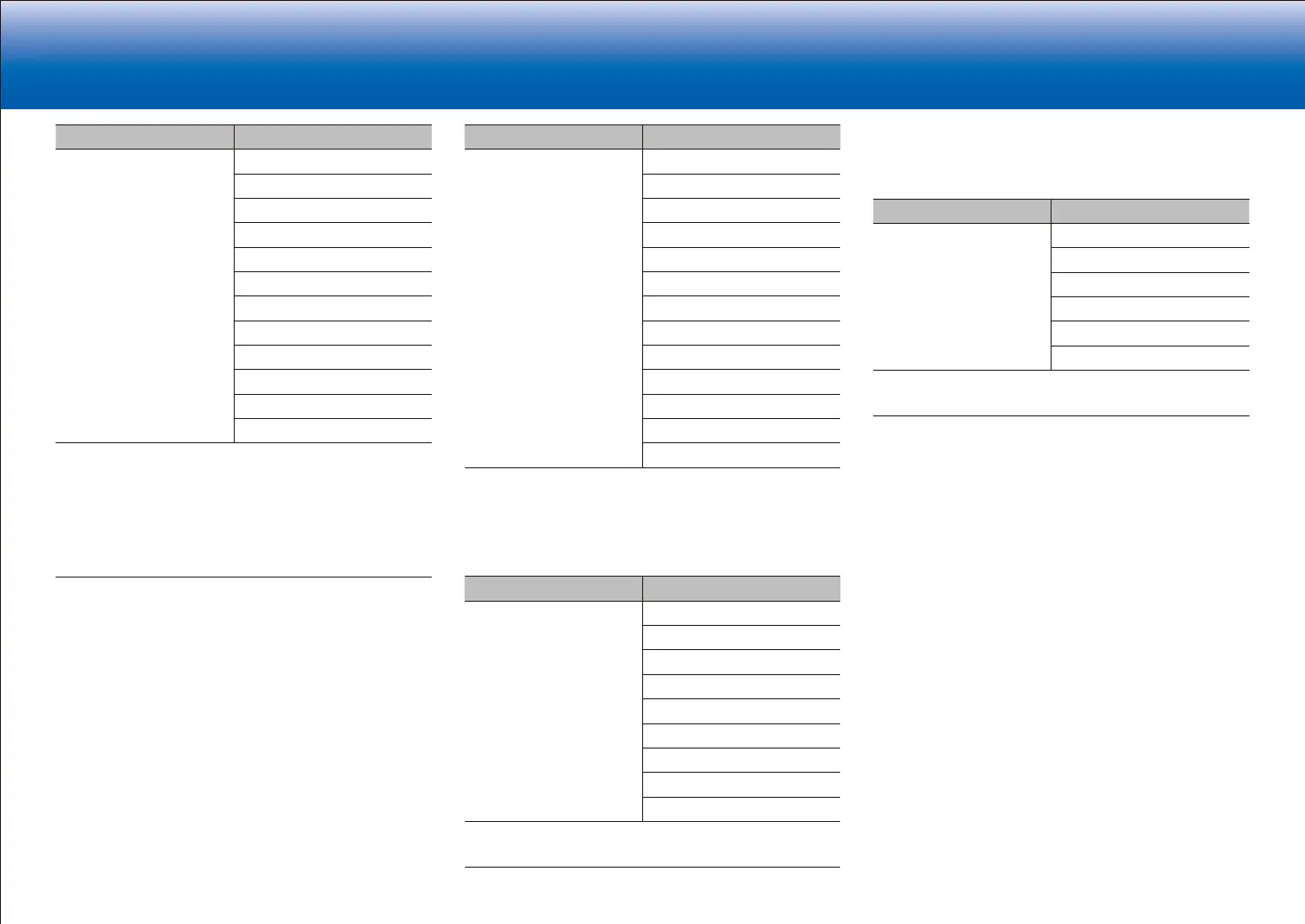
Input Format Listening Mode
DTS-HD MSTR Direct
DTS-HD MSTR
1
2
DTS Neural:X
3
THX Games
4
THX U2 Games
5
Game-RPG
6
Game-Action
6
Game-Rock
6
Game-Sports
6
AllCh Stereo
7
Full Mono
7
T-D
1
Cannot be selected when the input format is 2 ch.
2
A center speaker or surround speakers need to be installed.
3
Cannot be selected when the sampling rate of the input format is
88.2 kHz or more.
4
Surround speakers need to be installed.
5
Surround back speakers need to be installed. Can be selected when the
input format is 5.1 ch.
6
Surround speakers or height speakers need to be installed.
7
A center speaker, surround speakers, or height speakers need to be
installed.
Input Format Listening Mode
DTS-ES Direct
DTS
1
ES Matrix
2
ES Discrete
2
DTS Neural:X
THX Games
3
Game-RPG
4
Game-Action
4
Game-Rock
4
Game-Sports
4
AllCh Stereo
5
Full Mono
5
T-D
1
This cannot be selected when surround back speakers are connected.
(When "DTS Auto Surround" in the Setup menu is set to "Off", this can be
selected.)
2
Surround back speakers need to be installed.
3
Surround speakers need to be installed.
4
Surround speakers or height speakers need to be installed.
5
A center speaker, surround speakers, or height speakers need to be
installed.
Input Format Listening Mode
DTS:X Direct
DTS:X
Game-RPG
1
Game-Action
1
Game-Rock
1
Game-Sports
1
AllCh Stereo
2
Full Mono
2
T-D
1
Surround speakers or height speakers need to be installed.
2
A center speaker, surround speakers, or height speakers need to be
installed.
■ THX button
This is a list of listening modes selectable for each of the
audio formats in the input signals.
Input Format Listening Mode
All formats other than
Dolby Atmos and DTS:X
THX Cinema
1
THX Music
1
THX Games
1
THX U2 Cinema
2
THX U2 Music
2
THX U2 Games
2
1
Surround speakers need to be installed.
2
Surround Back speakers need to be installed. Can be selected when the
input format is 5.1 ch.


 To Next Page
 Loading...