FIRMWARE UPDATE -1
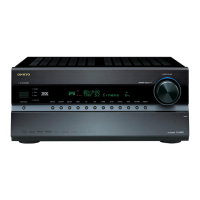
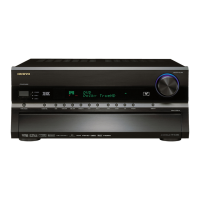
TX-SR876/SA876TX-SR876/SA876
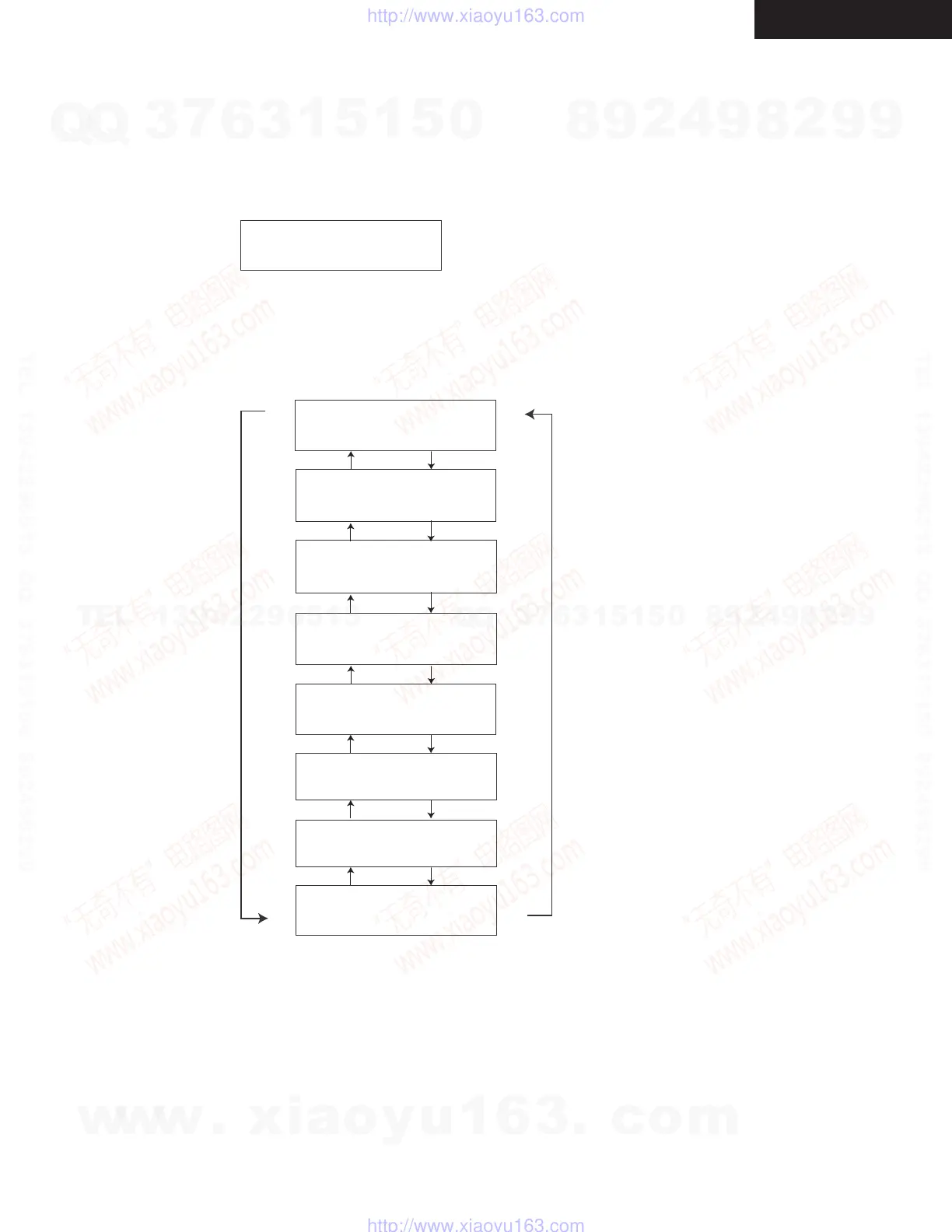
How to Check Versions of Main, DSP(1st to 3rd), HDMI and Video FW
1. Press and hold down [DISPLAY] button, then press [ON/STANDBY] button when the unit is powered on.
The main microprocessor version will be displayed on FL display for about 3 seconds.
2. Press [Tone +] button while the version is displayed. Then, “DSP 1st SR9061:08611A” will be displayed.
Press [Tone +] button again while “DSP 1st SR9061:08611A” is displayed. Then, “DSP 2nd SR9062:08605C” will be
displayed. In this way, as [Tone +] button is pressed while a version is displayed, the next information will be displayed.
If [Tone -] button is pressed, the order will be reversed.
DSP 2nd:
SR9062:08605C
DSP 1st:
SR9061:08611A
Main:
87 1.01/08801A
Main:
87 1.01/08801A
<e.g.>
Video:
08703EO
HDMI:
1.01/08627A
XM :
1.00/08505A
SIRIUS:
1.00/08522A
DSP 3rd:
SR9063:08506A
[Tone +][Tone -]
Note:
These versions are the latest as of August 20, 2008.
Note:
In case of failure, Video FW cannot be reloaded.
Board replacement will be necessary for newer
video FW version.
Note:
XM and SIRIUS are only for North American models.
w
w
w
.
x
i
a
o
y
u
1
6
3
.
c
o
m
Q
Q
3
7
6
3
1
5
1
5
0
9
9
2
8
9
4
2
9
8
T
E
L
1
3
9
4
2
2
9
6
5
1
3
9
9
2
8
9
4
2
9
8
0
5
1
5
1
3
6
7
3
Q
Q
TEL 13942296513 QQ 376315150 892498299
TEL 13942296513 QQ 376315150 892498299
http://www.xiaoyu163.com
http://www.xiaoyu163.com


 To Next Page
 Loading...