40
Assigning a video source to each audio
input source
Assigning a video source to each audio input
source (video Assign Setup)
You can assign a video source to audio input sources such as CD. By
doing so, you can play a CD or other audio source while showing the
assigned video images on the TV.
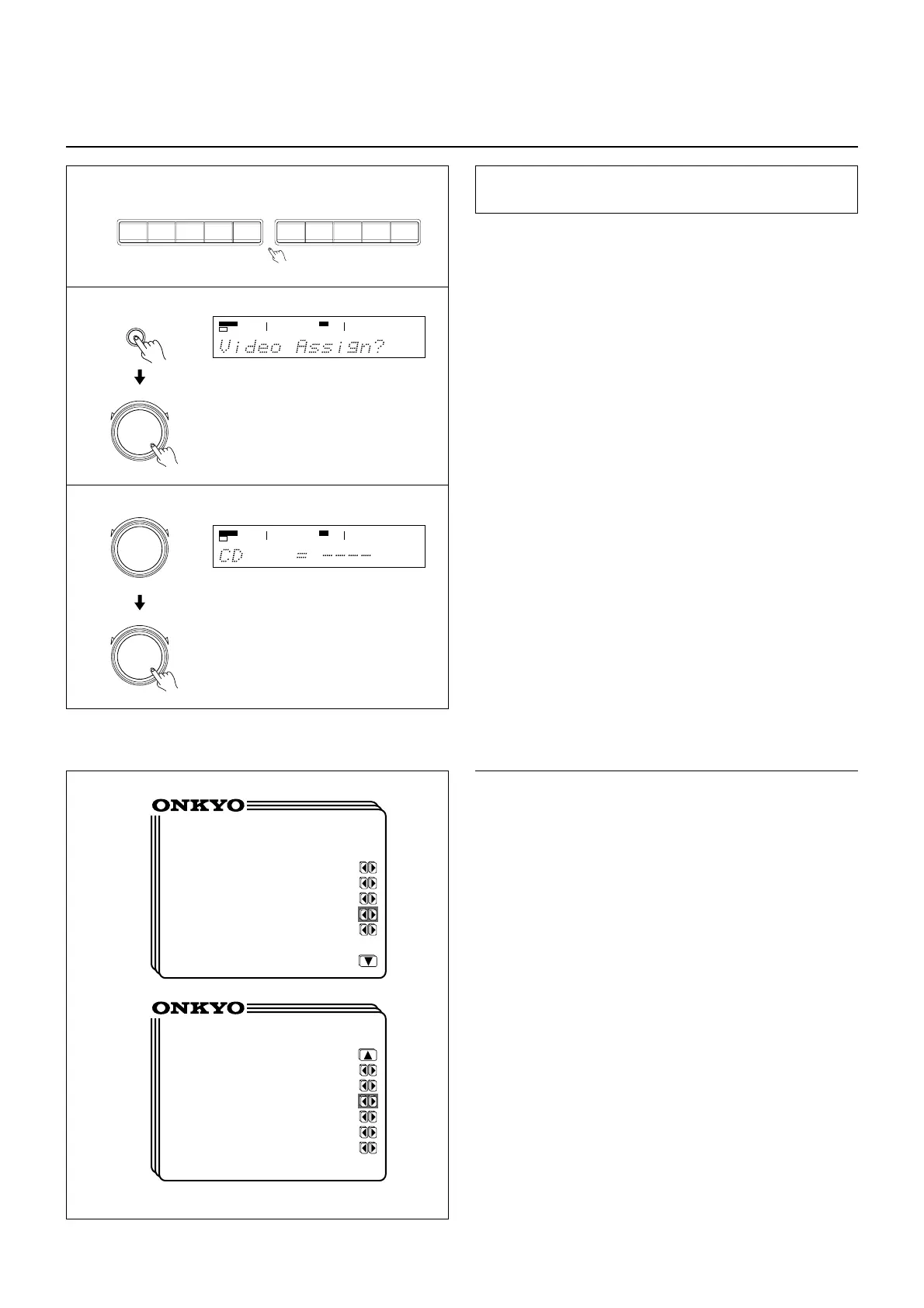
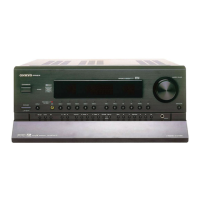
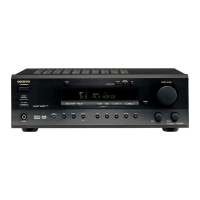
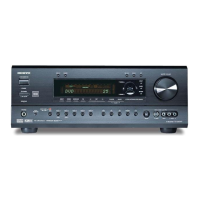
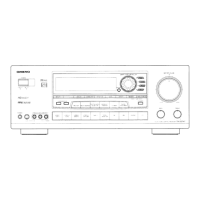
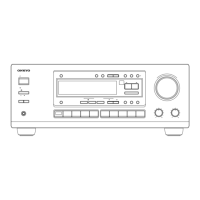
1. Select the desired audio input source by pressing the corre-
sponding input selector button.
2. Press the SP/SYS SETUP button repeatedly until "Video
Assign?" is displayed. Then Press the SMART SCAN CON-
TROLLER.
The video assign mode has been set.
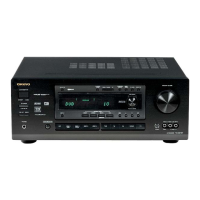
3. Rotate the SMART SCAN CONTROLLER to select the
video source you wish to assign.
You can select one from 6 video sources, DVD, VIDEO 1,
VIDEO 2, VIDEO 3, VIDEO 4, and ---- (None).
Press the SMART SCAN CONTROLLER.
3
1
• Using the on-screen display
1. Press the OSD MENU button.
2. Select “Input Selector” and then press the right edge of the
ENTER/Cursor button.
3. Select “Video Assign Setup” and then press the right edge of
the ENTER/Cursor button.
“Video Assign Setup” screen is displayed.
When the cursor is on “TAPE,” you can press the lower edge of
the ENTER/Cursor button to display additional items.
When the cursor is on “DVD,” you can press the upper edge of
the ENTER/Cursor button to display the previous items.
4. Press the upper or lower edge of the ENTER/Cursor button
to select the audio input source and then press the right or
left edge of the button to assign a video source.
You can select one from 6 video sources, DVD, VIDEO 1,
VIDEO 2, VIDEO 3, VIDEO 4, and ---- (None).
5. Press the center of the ENTER/Cursor button, or press the
EXIT button, to exit the setup mode.
* Video Assign Setup *
CD :----
PHONO :----
FM :----
AM :----
TAPE :----
* Video Assign Setup *
DVD :DVD
VIDEO 1 :VIDEO 1
VIDEO 2 :VIDEO 2
VIDEO 3 :VIDEO 3
VIDEO 4 :VIDEO 4
MULTI CH:----
SP/SYS
SETUP
PRESET/MODE ADJ
PUSH TO ENTER
2
VIDEO-1
VIDEO-2 VIDEO-3 VIDEO-4
DVD FM
AM PHONO C
D
TAPE
PRESET/MODE ADJ
PUSH TO ENTER
PRESET/MODE ADJ
PUSH TO ENTER
SPEAKERS
A
DSP
SPEAKERS
A
DSP


 To Next Page