40
> Before Start > Part Names > Install > Initial Setup >Playback
Supplementary Information | Advanced Setup | Others
MUSIC button
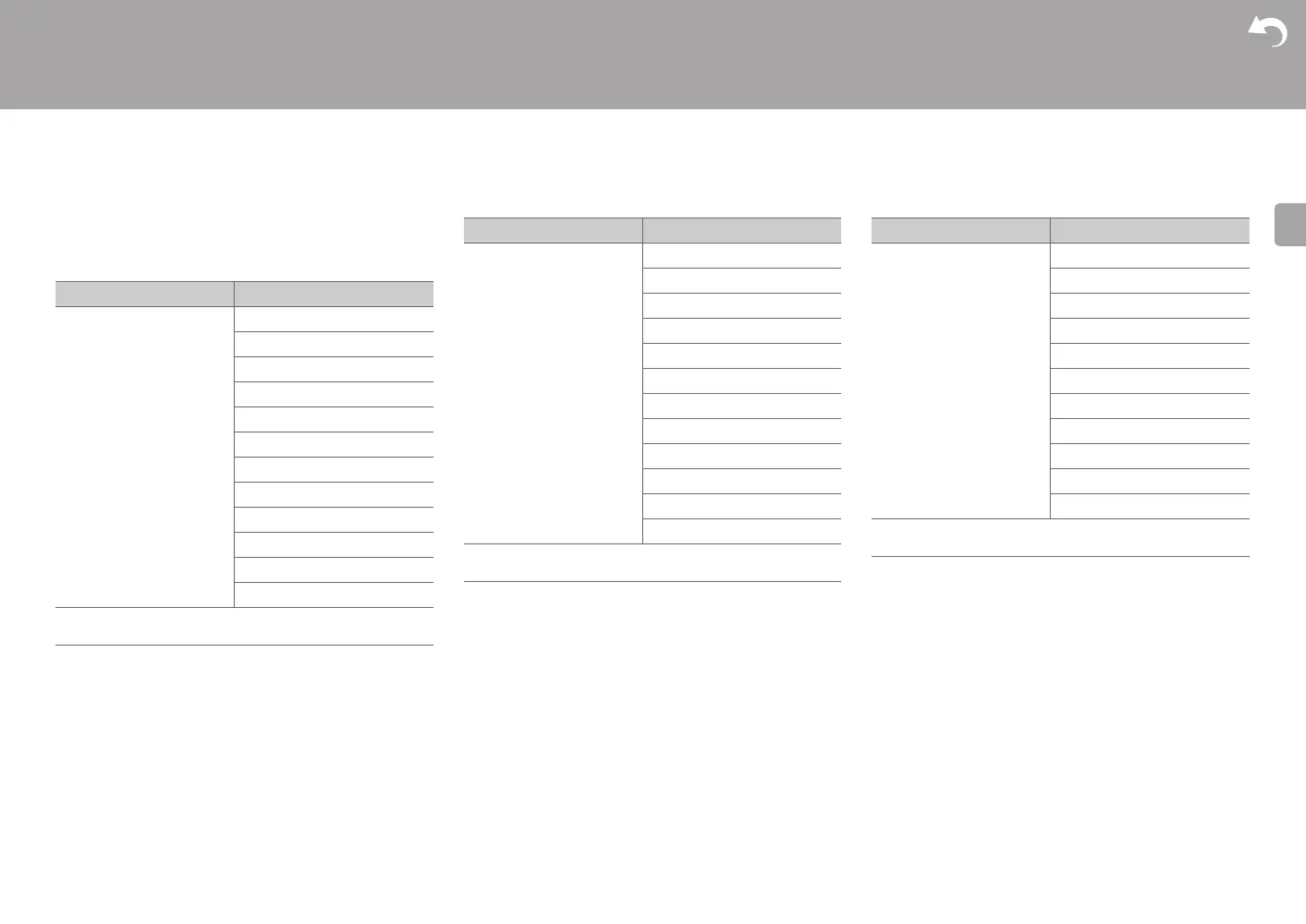
This is a list of listening modes you can select according to
the audio format of the input signal.
Input Format Listening Mode
Analog Direct
Stereo
Dolby Surround
Surround Enhancer
PL Ⅱ Music
* 1
Neo:6 Music
* 1
DTS Neural:X
Orchestra
* 2
Unplugged
* 2
Studio-Mix
* 2
AllCh Stereo
* 1
Full Mono
* 1
* 1: A center speaker or surround speakers need to be installed.
* 2: Surround speakers need to be installed.
Input Format Listening Mode
PCM
Music files (except
DSD
/
Dolby TrueHD)
Direct
Stereo
Dolby Surround
Surround Enhancer
PL Ⅱ Music
* 1
Neo:6 Music
* 1
DTS Neural:X
Orchestra
* 2
Unplugged
* 2
Studio-Mix
* 2
AllCh Stereo
* 1
Full Mono
* 1
* 1: A center speaker or surround speakers need to be installed.
* 2: Surround speakers need to be installed.
Input Format Listening Mode
Multich PCM Direct
Stereo
Multich
* 1
Dolby Surround
Surround Enhancer
DTS Neural:X
Orchestra
* 2
Unplugged
* 2
Studio-Mix
* 2
AllCh Stereo
* 1
Full Mono
* 1
* 1: A center speaker or surround speakers need to be installed.
* 2: Surround speakers need to be installed.


 To Next Page