EasyManua.ls Logo

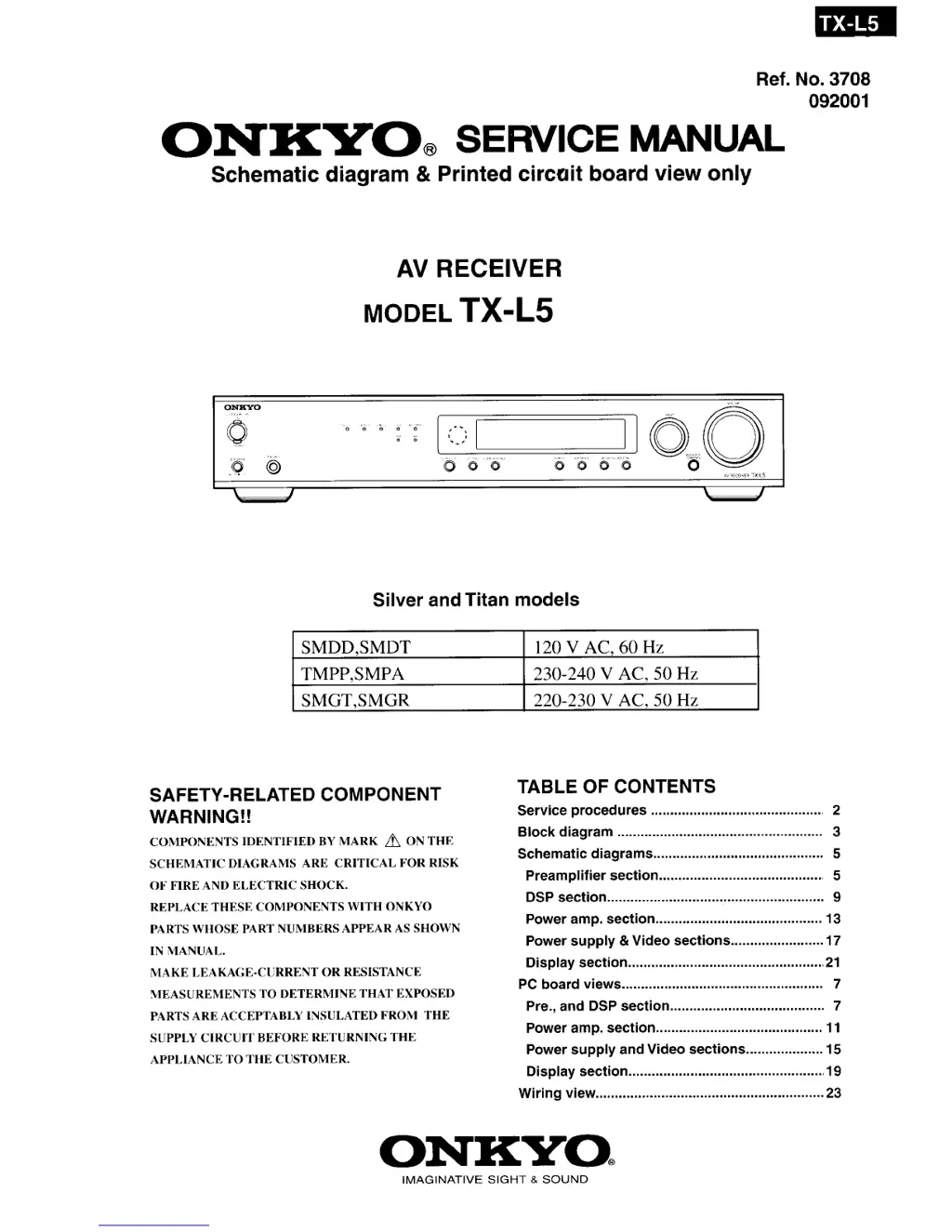
Onkyo TX-L5 - Service Manual

Onkyo TX-L5
39 pages
Print Icon
To Next Page IconTo Next Page
Loading...

Other manuals for Onkyo TX-L5

Questions and Answers

  • B
    Brittany McneilAug 15, 2025
    What to do if my Onkyo TX-L5 doesn't switch on?
    • J
      Jeffery MartinAug 15, 2025
      If your Onkyo Receiver doesn't switch on, there might be a few reasons: * The power cord may be disconnected. Ensure it's properly connected. * The main power might be off. Turn the main power on. * External noise could be interfering with the receiver's circuits. Try switching the main power off and on again. If that doesn't work, disconnect and reconnect the power cord. * The AC fuse might be blown. In this case, contact your nearest Onkyo service center.
  • N
    ngibsonAug 19, 2025
    How to fix no sound on my Onkyo TX-L5 Receiver?
    • J
      Joseph CookAug 19, 2025
      If no sound is coming from your Onkyo Receiver, check these possible causes: * The muting function may be activated. Deactivate it. * The receiver might not be properly connected. Double-check all connections. * Headphones might be connected. Decrease the volume and then disconnect the headphones.
  • R
    Roger CunninghamAug 21, 2025
    Why aren't the buttons on my Onkyo Receiver and remote working?
    • C
      Carol WoodwardAug 22, 2025
      If the buttons on your Onkyo Receiver and remote controller aren't working, power supply fluctuations or static electricity might be the cause. Try switching off the main power and then switching it on again. If that doesn't work, disconnect the power cord and then reconnect it.
  • A
    Amanda JacksonAug 26, 2025
    How to troubleshoot no sound from center speaker on Onkyo TX-L5 Receiver?
    • A
      arellanochristyAug 26, 2025
      If you're getting little or no sound from the center speaker of your Onkyo Receiver, here's what to check: 1. Ensure the speaker connections are correct. 2. Note that no sound is output from the center speaker in “STEREO” or “ORCHESTRA” listening modes. 3. Adjust the volume level of the center speaker. 4. Verify that the selected speaker configuration includes the center speaker. 5. If the speaker configuration is set to 3 ch or 5 ch, make sure the center speaker is connected, or set the speaker configuration to 2 ch or 4 ch.
  • M
    Miguel VelasquezAug 29, 2025
    What to do if the sound of the playback source is not heard on my Onkyo TX-L5 Receiver?
    • L
      Larry PaulAug 29, 2025
      If you're not hearing the sound from the playback source on your Onkyo Receiver, make sure the correct input source is selected.
  • A
    Amy HarrisSep 1, 2025
    What to do if no picture appears on TV screen from Onkyo TX-L5?
    • M
      Michelle HurstSep 1, 2025
      If you're not seeing a picture on your TV screen from your Onkyo Receiver: * Ensure the TV is set to receive input from the AV receiver. * Check that the video cable is securely connected between the receiver and the TV. * If only an S video connection is made, also make a video connection.
  • P
    Patrick ValentineSep 4, 2025
    Why do the buttons on my Onkyo TX-L5 Receiver operate, but the buttons on the remote don't?
    • H
      Heather HansenSep 4, 2025
      If the buttons on your Onkyo Receiver are working but the remote isn't, consider these possibilities: * You might be pressing the wrong DVD•MD control button. Press the correct one. * The remote may not have batteries. Insert new batteries. * The batteries might be dead. Replace them with new ones. * The remote might not be pointed at the receiver's remote sensor. Point it at the sensor. * The remote might be too far away. Operate it within 5 meters (16 feet).
  • A
    Anna StewartSep 8, 2025
    Why are no preset channels selected on my Onkyo TX-L5 Receiver?
    • M
      Matthew PughSep 8, 2025
      If no preset channels are selected on your Onkyo Receiver, it's possible that the preset data in memory was lost because the power cord was unplugged or the main power was switched off for an extended period. You'll need to preset the radio stations again.
  • K
    kristenfreySep 12, 2025
    Why is sound reproduced from the speakers but not recorded on my Onkyo TX-L5?
    • S
      Stacy CurrySep 12, 2025
      If your Onkyo Receiver reproduces sound from the speakers, but it is not being recorded, it may be because you are trying to record DTS Surround sound, which is not recordable. Try making an analog connection instead.

Summary

Safety-Related Component Warning

Specifications

Amplifier Section Specifications

Details on power output, distortion, input sensitivity, and impedance.

Tuner Section Specifications

Information on tuning range, sensitivity, capture ratio, and signal-to-noise ratio.

General Specifications

Covers power supply, dimensions, and weight.

Service Procedures

Replacing the Fuses

Instructions for replacing fuses, including component identification and safety notes.

Initializing the Unit

Steps to reset the microprocessor and clear memory to factory settings.

Safety Check Out

Procedure for performing a safety check on U.S.A. models after service.

Memory Preservation

Explanation of the unit's internal memory backup system and its behavior when unplugged.

Panel Views

Front Panel Controls and Indicators

Detailed explanation of front panel buttons, dials, display, and indicators.

Rear Panel Connectors

Descriptions of all rear panel input/output terminals and antenna connections.

Remote Controller Functions

Explanation of all buttons and their functions on the remote control unit.

Exploded View

Exploded View Parts Lists

Block Diagram

Schematic Diagrams

Schematic Diagram 1-1: Preamplifier Section

Detailed circuit diagram for the preamplifier stage.

Schematic Diagram 1-2: Preamplifier Section

Further circuit details for the preamplifier stage.

Schematic Diagram 2-1: DSP Section

Circuit diagram for the Digital Signal Processing (DSP) section.

Schematic Diagram 2-2: DSP Section

Additional circuit details for the Digital Signal Processing (DSP) section.

Schematic Diagram 3-1: Power Amplifier Section

Circuit diagram for the power amplifier stage.

Schematic Diagram 3-2: Power Amplifier Section

Further circuit details for the power amplifier stage.

Schematic Diagram 4-1: Power Supply and Video Section

Circuit diagram for power supply and video signal processing.

Schematic Diagram 4-2: Power Supply and Video Section

Additional circuit details for power supply and video signal processing.

Schematic Diagram 5-1: Display Section

Circuit diagram for the unit's display and front panel interface.

Schematic Diagram 5-2: Display Section

Further circuit details for the display and front panel interface.

Wiring View

Printed Circuit Board Parts Lists

Microprocessor Information

Microprocessor Connection View

Diagram showing connections to the microprocessor unit.

Microprocessor Terminal Description

Detailed explanation of each microprocessor terminal's function.

Accessories and Manuals

Printed Circuit Board (PCB) Views

Main Circuit PC Board (U11)

Component layout and routing for the main circuit board.

Power Amplifier and Speaker Terminal PCBs (U1, U6, U7)

Component layouts for power amp and speaker terminal boards.

Driver Circuit PC Board (U2)

Component layout for the driver circuit board.

Video Terminal PC Board (U13)

Component layout for the video terminal board.

Display Circuit PC Board (U12)

Component layout for the display circuit board.

Headphone and Standby Switch PCBs (U16, U14)

Component layouts for headphone and standby switch boards.

Primary and Optical Input Terminal PCBs (U3, U14)

Component layouts for primary and optical input PCBs.

Onkyo TX-L5 Specifications

General IconGeneral
BrandOnkyo
ModelTX-L5
CategoryReceiver
LanguageEnglish

Related product manuals