The View (Live) Ocularis Web User Guide
The View (Live)
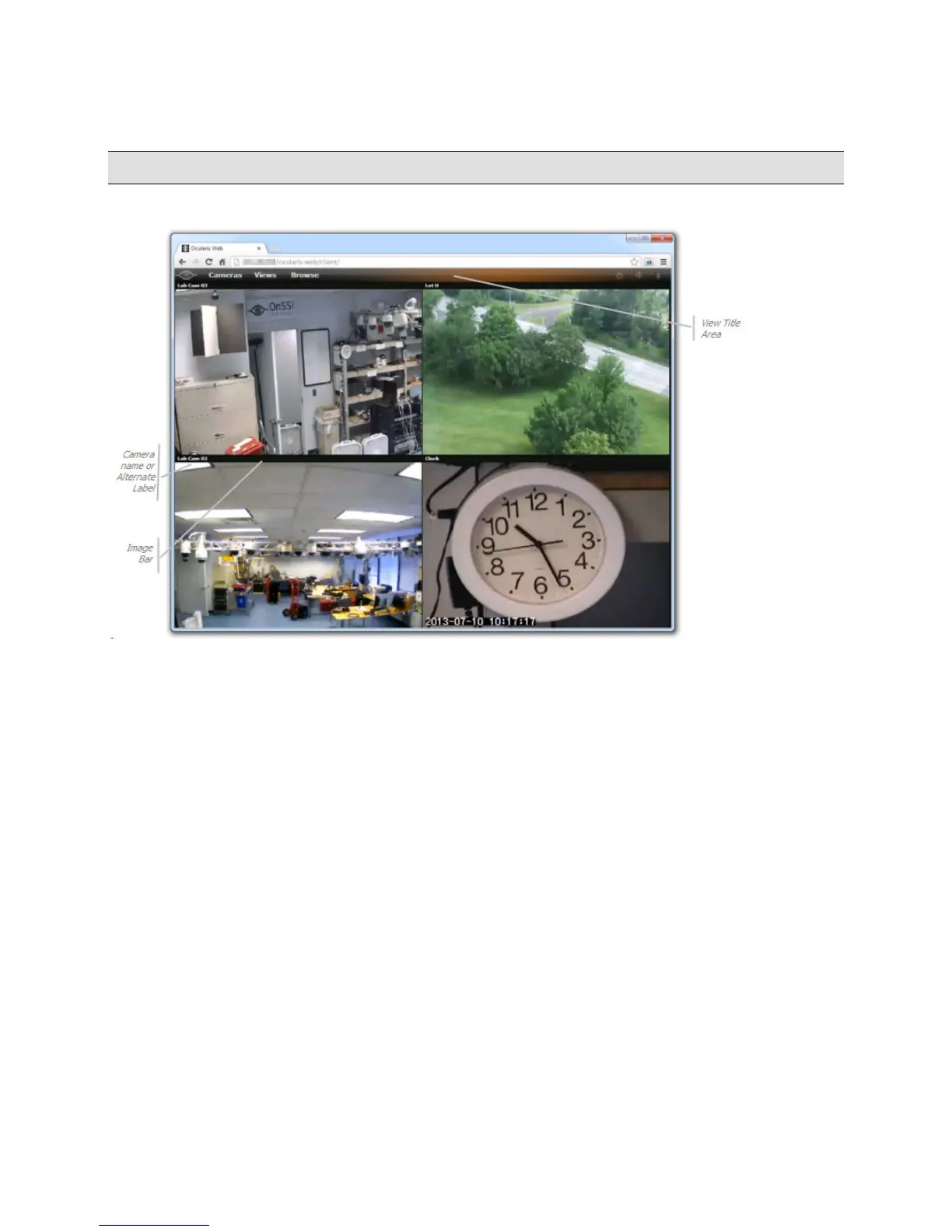
The following is a sample 2 x 2 view shown in Live mode.
Sample View in Live mode
Image Bar
Each pane in a view has a top section called the Image Bar. On the left of the Image Bar is the name of the camera as
it is defined in Ocularis Base.
The name of the view will dynamically appear in the View Title Area when the mouse rolls over the top section of the
screen.
12 On-Net Surveillance Systems, Inc.



 To Next Page