The View (Live) Ocularis Web User Guide
Digital Zoom
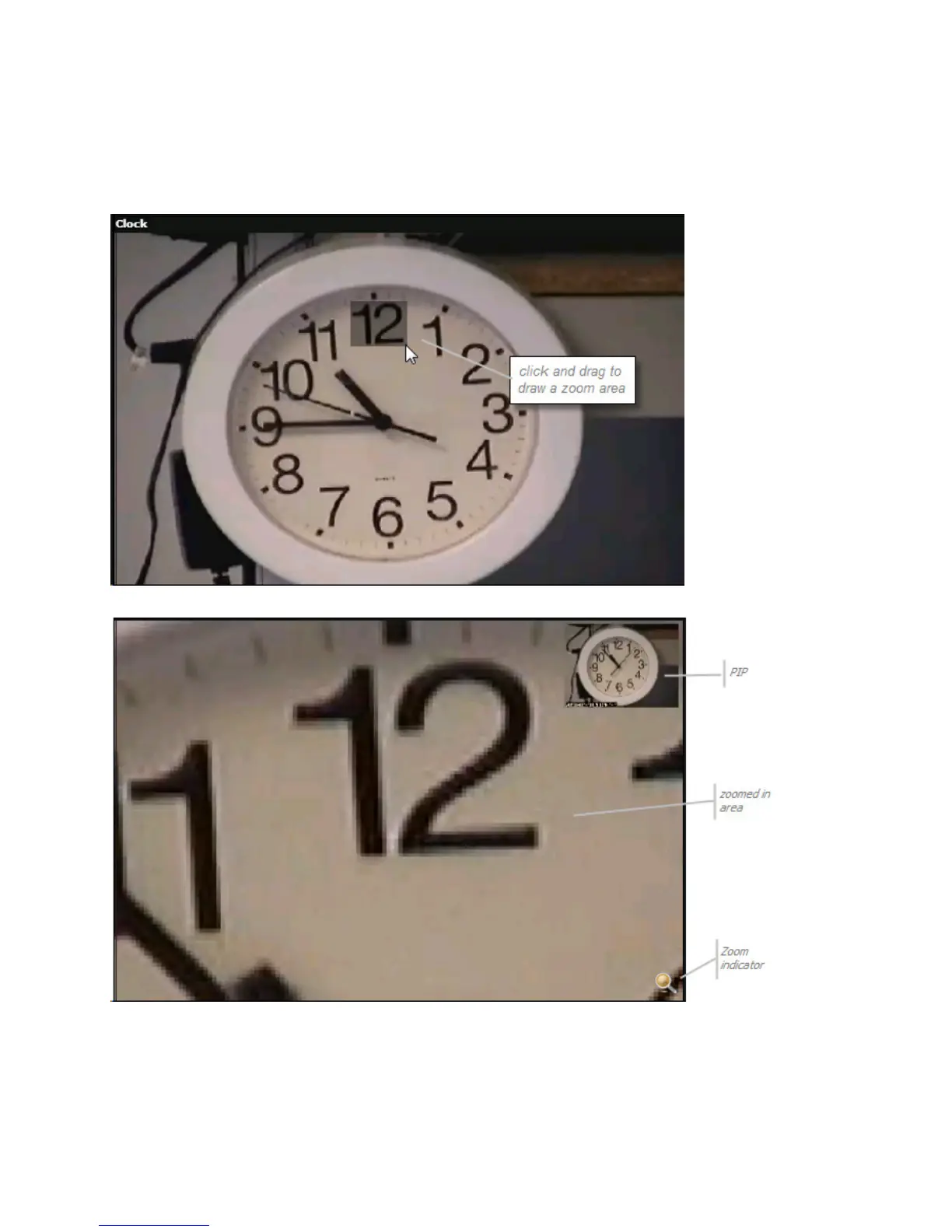
You may use digital zoom on any camera image. Draw a rectangle over the zoom area by drawing a diagonal line.
Release the mouse to perform the zoom.
Click and drag to draw rectangle for zoom
Digital Zoom
A PIP (Picture in Picture) appears in the upper right corner of the view pane. A magnifying glass icon appears in the
lower right to indicate that you are zoomed in.
To return to the original, zoomed out image, click the PIP.
14 On-Net Surveillance Systems, Inc.



 To Next Page