Ocularis Web User Guide Video Display
Video Display
In certain cases, the screen content will change based upon the availability of a video stream.
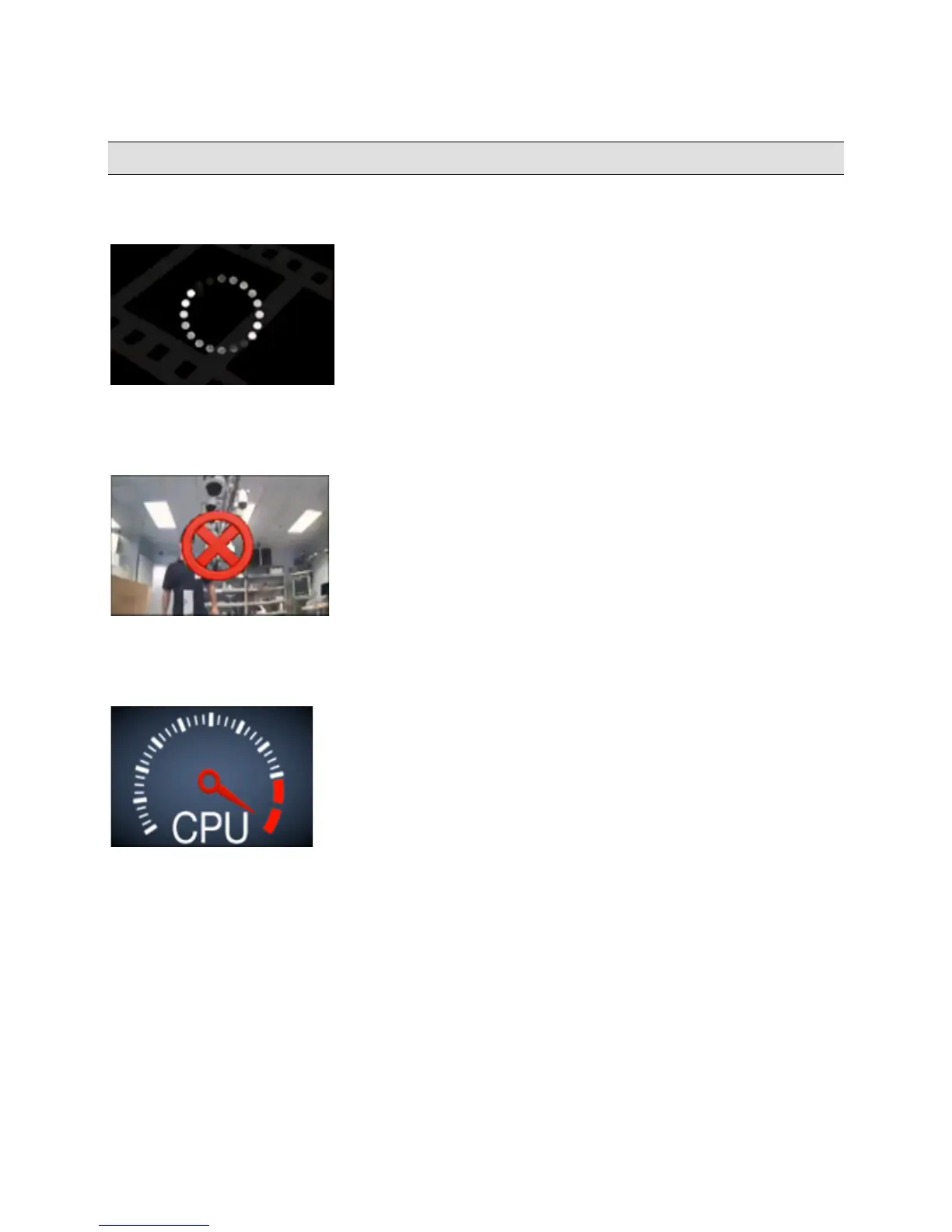
A Negotiating Spinner is displayed until the video stream is available.
Negotiating Spinner
A red 'x' symbol is displayed in Live mode if only one frame is received from a camera but no further frames are received.
In Browse mode, this symbol appears whenever the Ocularis Media Server does not receive a time stamp from a
camera for approximately 3 seconds.
No Frames / No Time Stamp
A CPU warning graphic appears in one or more panes whenever the CPU load of the Ocularis Media Server exceeds
the threshold set by the administrator. The graphic remains visible until the CPU load is decreased by either logging
out one or more users or by users selecting views with fewer or lower resolution cameras.
CPU Load Exceeded
On-Net Surveillance Systems, Inc. 19



 To Next Page