Ocularis Web User Guide Ocularis Web Interface
Application Controls
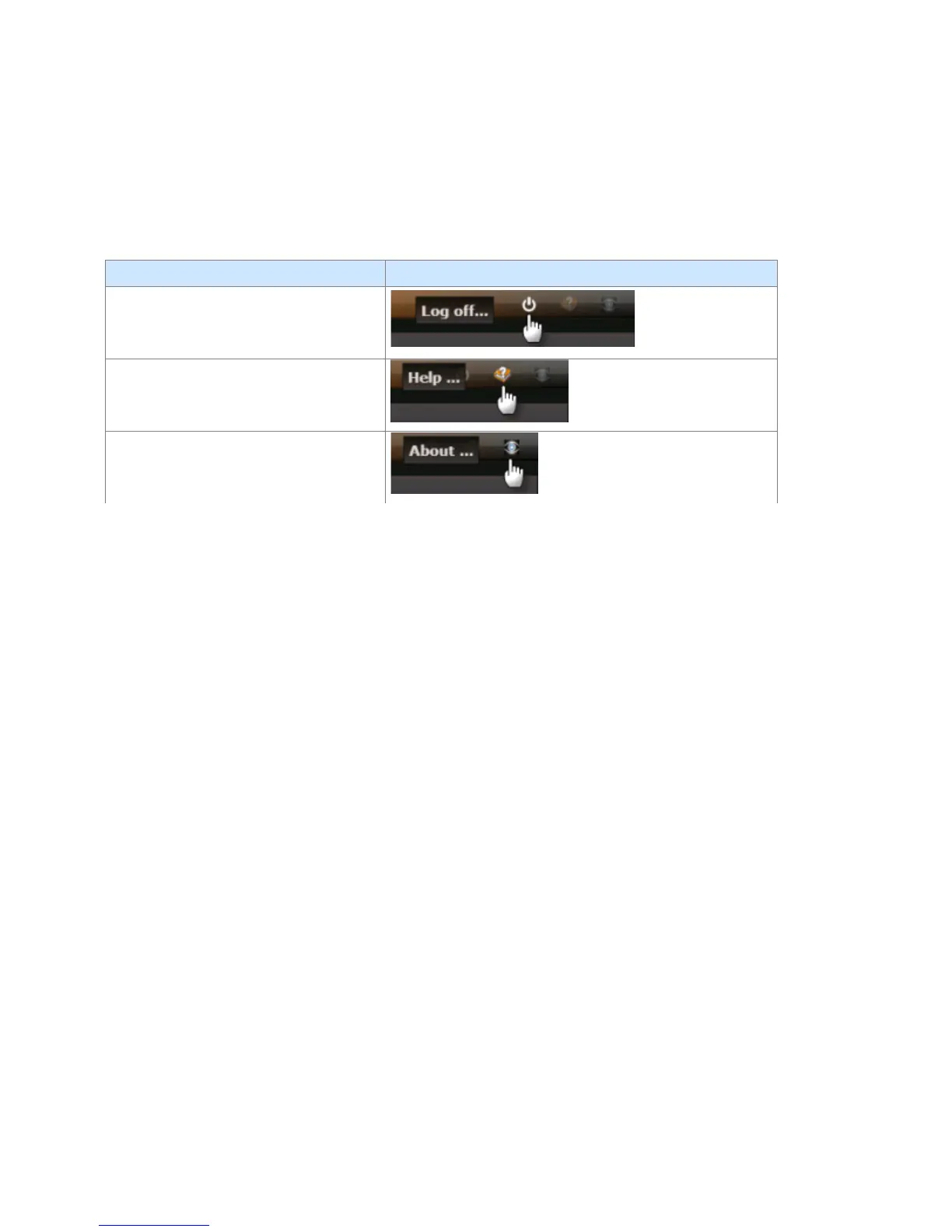
The upper right portion of the Menu Bar contains functions known as ‘Application Controls’. These functions are defined
as follows:
Log off - click this icon to log off Ocularis
Web. Logging off will stop the current
session.
Help – click this icon to open the Ocularis
Web documentation.
About - click this icon to view the Ocularis
Web version number.
On-Net Surveillance Systems, Inc. 7



 To Next Page