Start Your Setup Online
Log into your My Ofce account at:
myofce.ooma.com
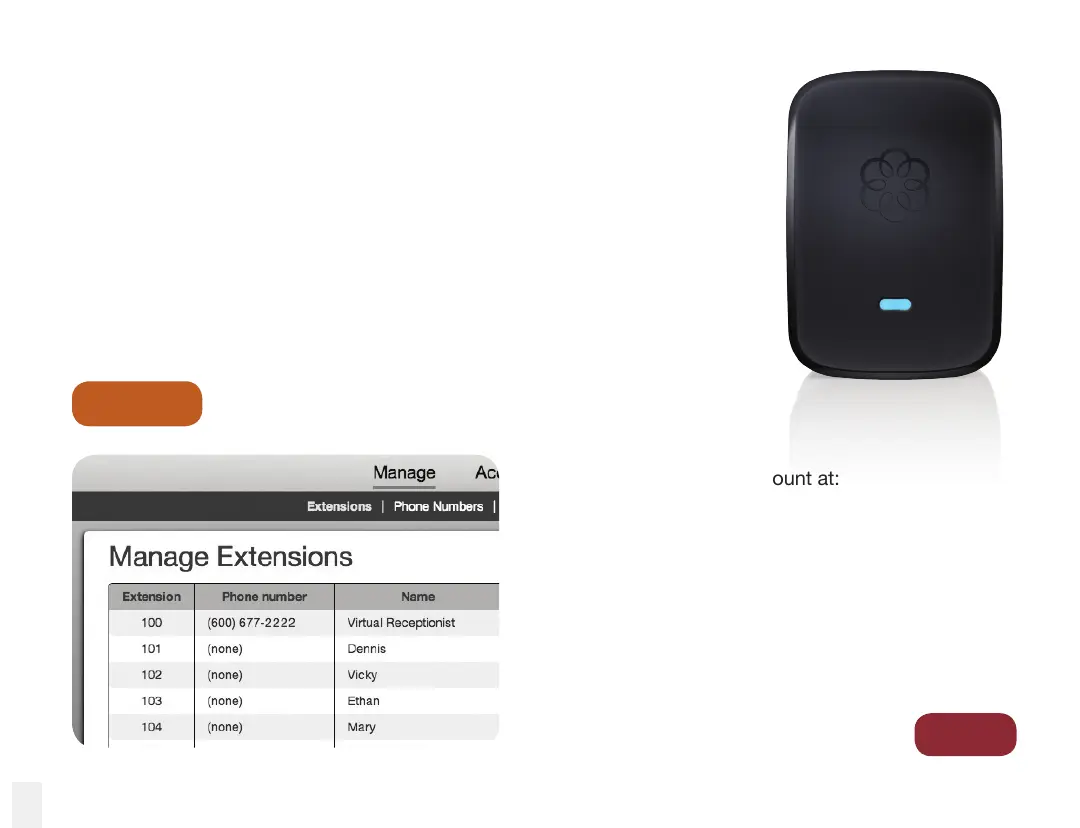
Select Manage and click on Add Extension. Find the
Device ID code printed on the back of the Linx device
and ll in the rest of the user information on the form.
Check the data you have entered and then click Save.
Step 1
Go to
Step 2
The included Ooma Linx device make it easy to setup additional phone
extensions on your Ooma Ofce system. Use this device to connect
a telephone, a fax machine, or any other telephony device to your
system. Since it connects wirelessly to the Ooma Ofce Base Station,
you’ll be up and running in minutes.
Setting Up Your Ooma Linx
14



 To Next Page