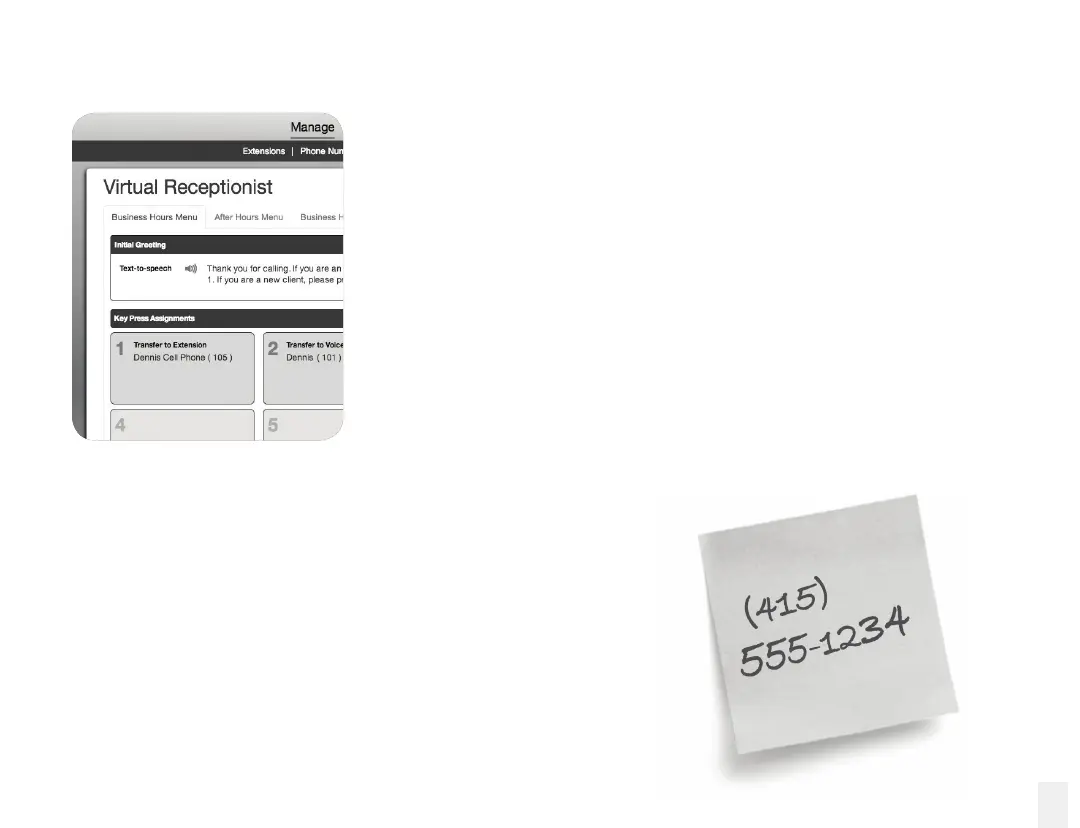
Customize your setup at My Ofce
Now that your device setup is complete, you can start to personalize
your system by visiting My Ofce, the online portal for your Ooma
Ofce service. Visit myofce.ooma.com to do the following:
•
Set up additional phone extensions
•
Customize your virtual receptionist
•
Expand your call capacity
•
Add additional phone numbers
•
Purchase hardware accessories
Learn more by reviewing the Features Overview section of
this manual.
Transfer your phone number
Your telephone number denes your business, so why change
it? In most areas, you can port your existing phone number to
Ooma. Best of all, porting is free! You must maintain the phone
service associated with the number until the porting process is
completed, which usually takes 1-2 weeks.
To check availability, to learn more, or to get started, please
visit: myofce.ooma.com/port
13



 To Next Page