Finishing Initial Setup
Pick up the phone you connected to the Ooma Ofce Base Station and dial
just like you always have. Call a friend, a family member, or an employee and
experience rsthand the quality of Ooma HD Voice technology.
Test out your Virtual Receptionist
Dial your Ooma Ofce main phone number (or extension 100) to hear what
incoming callers will hear. The Virtual Receptionist has been pre-programmed
with some basic options based on information you provided during activation,
but you can go online to My Ofce to customize it for your needs.
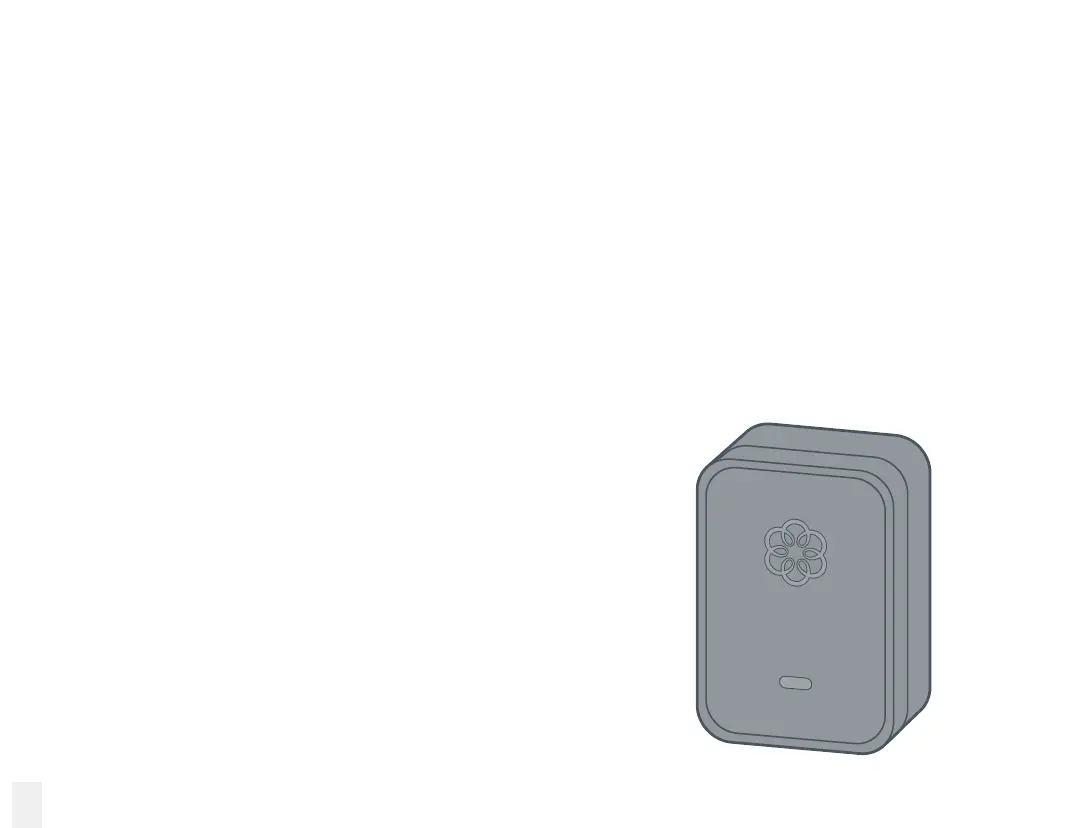
Install your Linx device
Your Ooma Ofce Base Station comes bundled with one
or more Ooma Linx devices so you can immediately set
up additional phone extensions. Use them to connect a
telephone, a fax machine, or any other telephony device to
your setup.
To get started with setting up the Linx, please see the
Setting Up Your Ooma Linx section of this manual.
12



 To Next Page